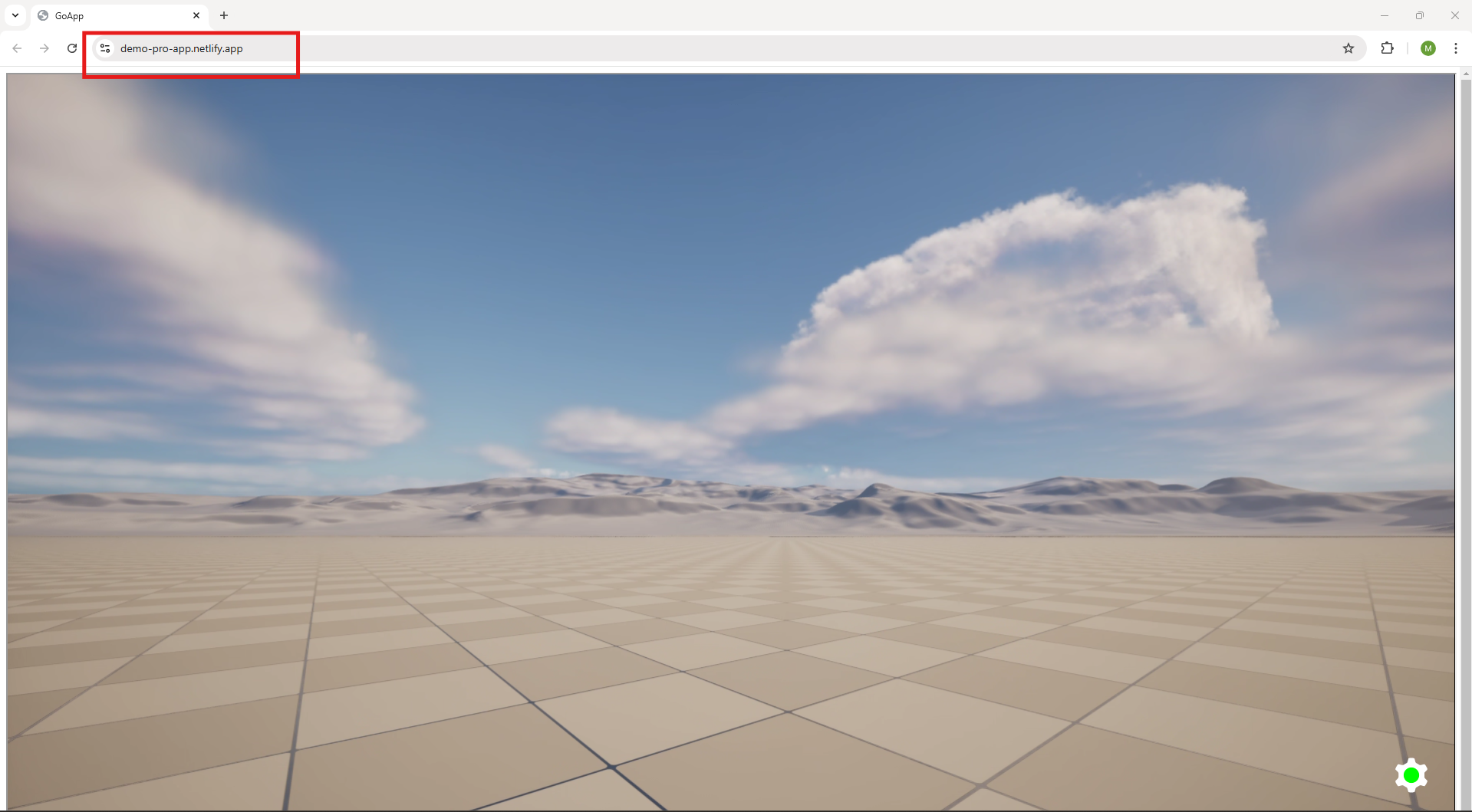
Step 8. Open an account in Netlify or Login to Netlify if you have already an account.
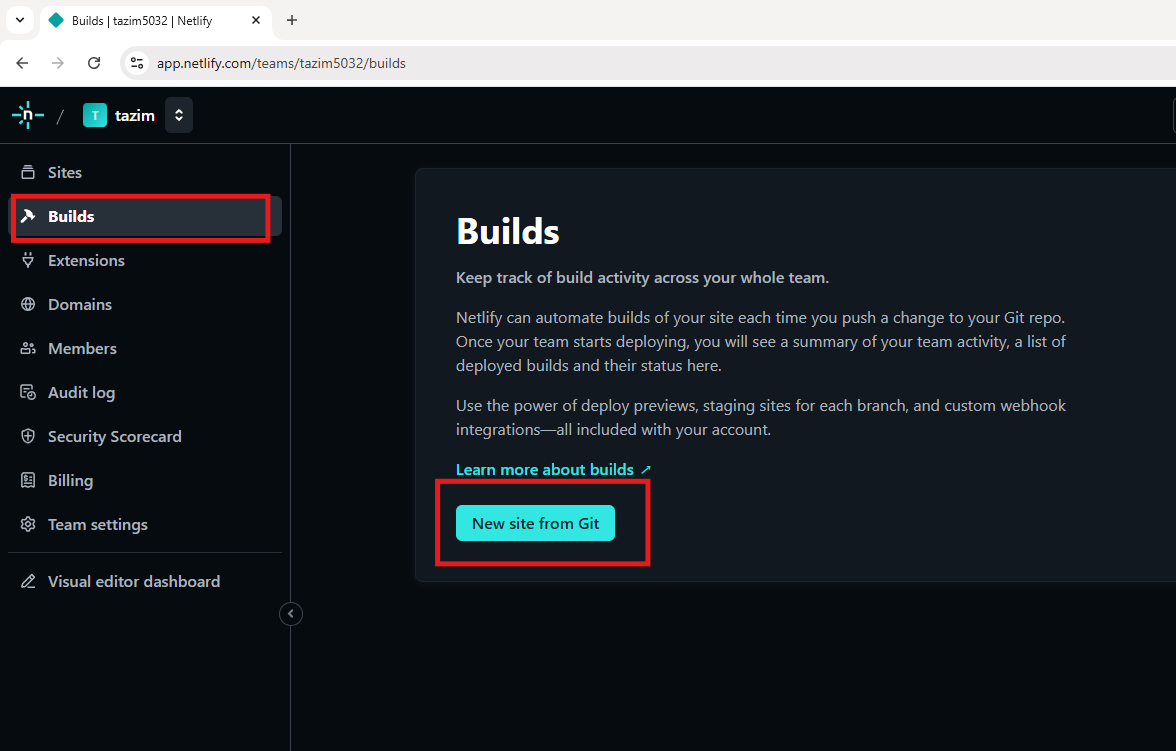
Step 9. Go to Build and click on “New site from Git”.
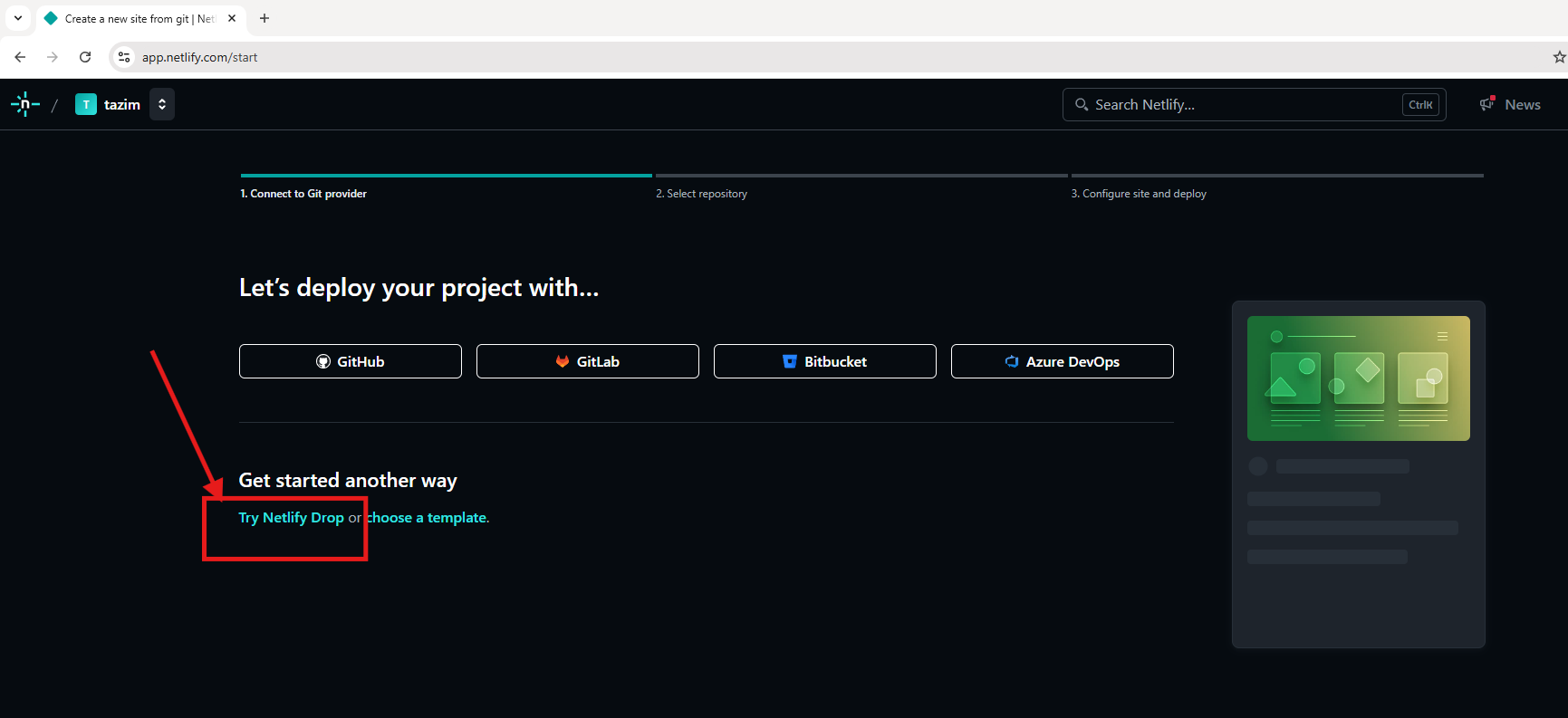
Step 10. Click Try Netlify Drop.
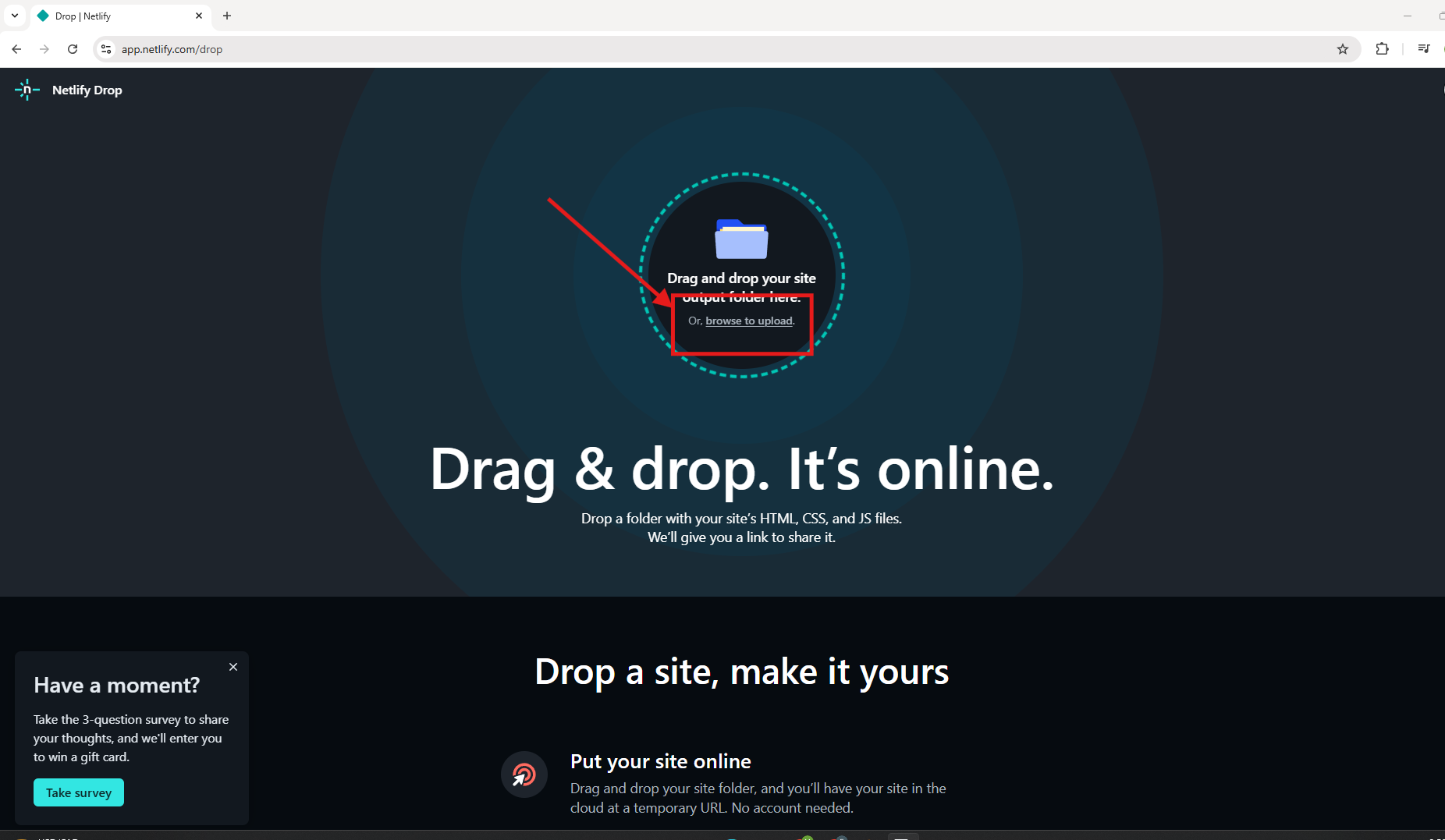
Step 11. Click browse to upload your project.
You can also use Drag and drop method
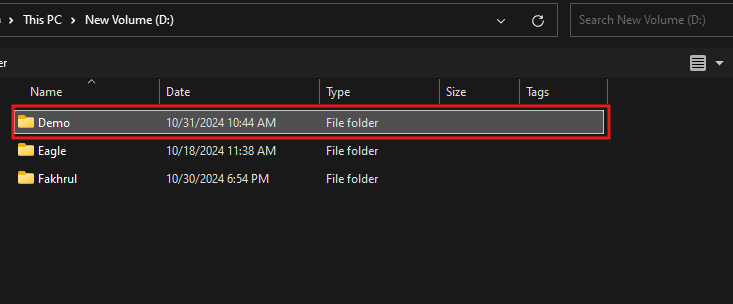
Step 12. Select the folder that contains index.html file.
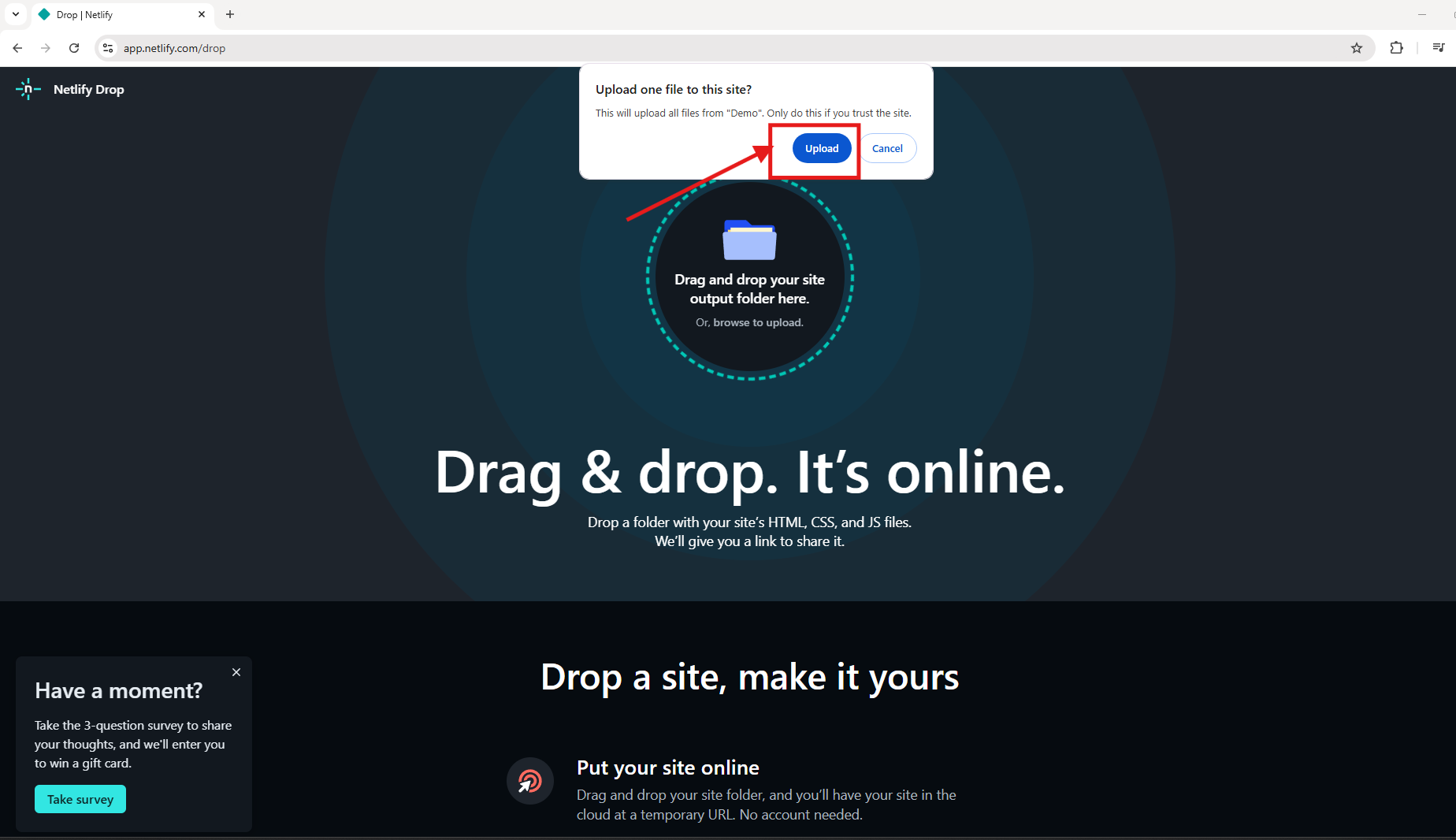
Step 13. Click Upload.
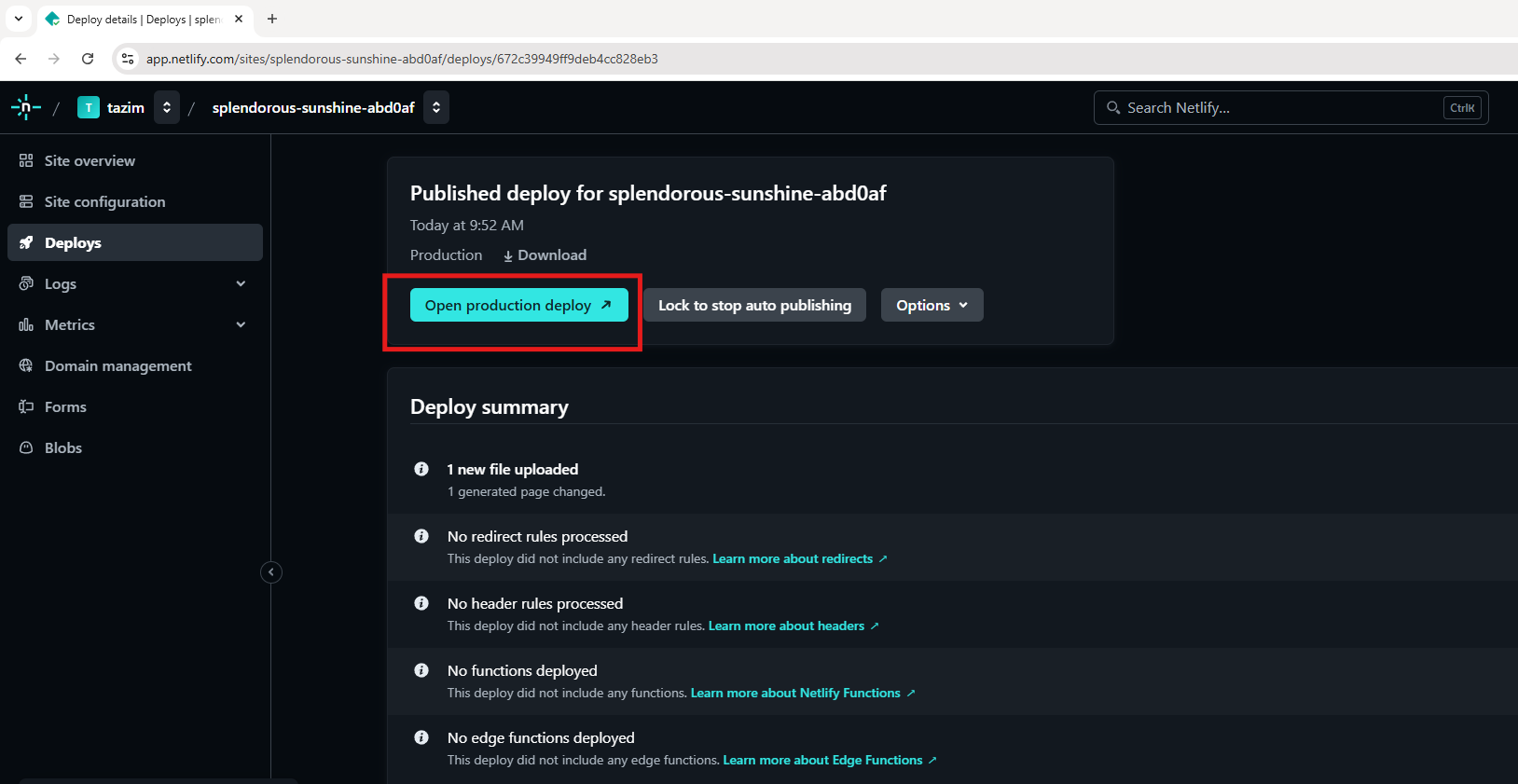
Step 14. Click Open Production Deploy.
Step 15. Click Play button.
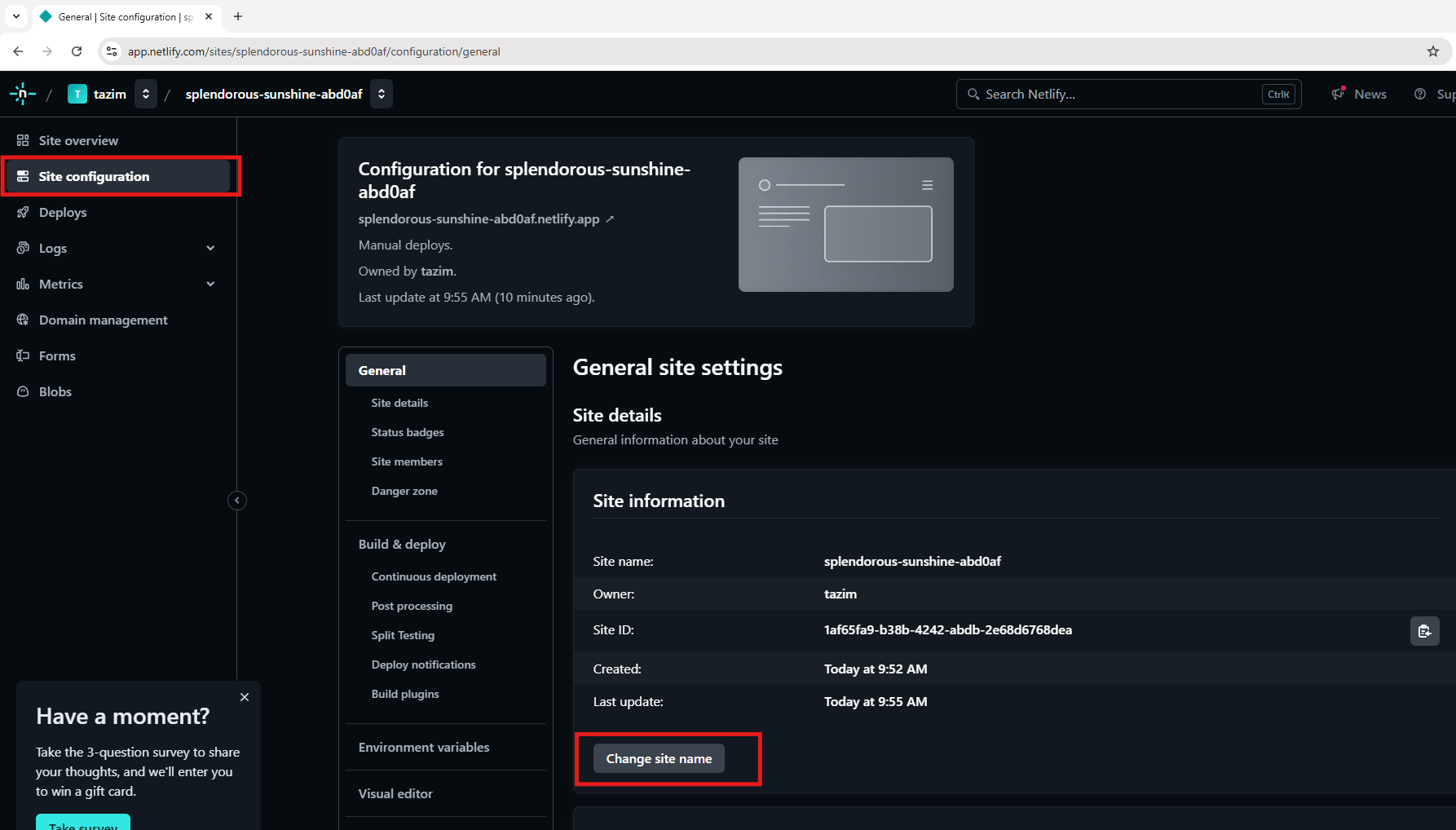
You can modify the website URL
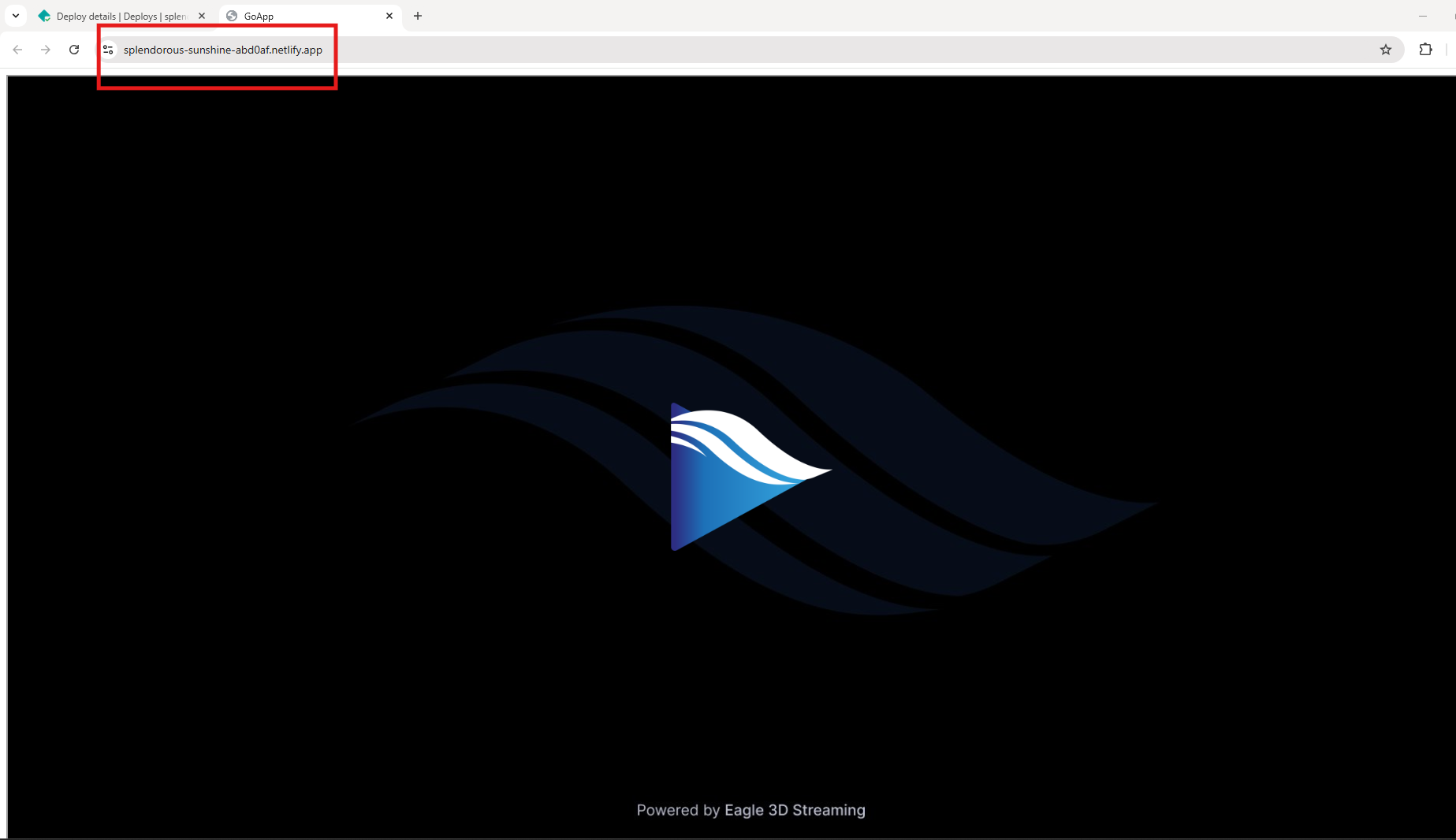
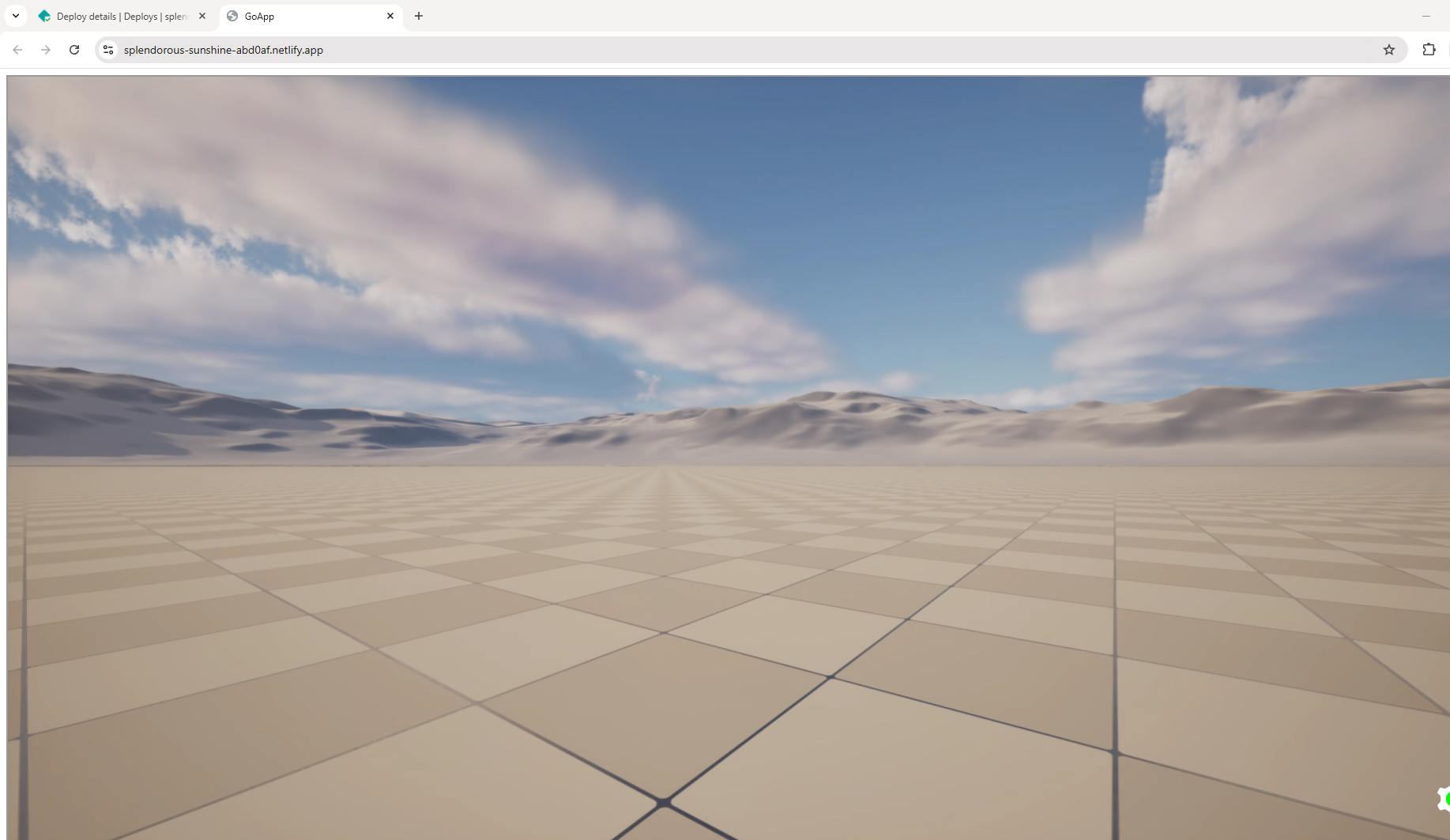
Step 16. You can customize your site URL.
Click Site Configuration and then select Change site name
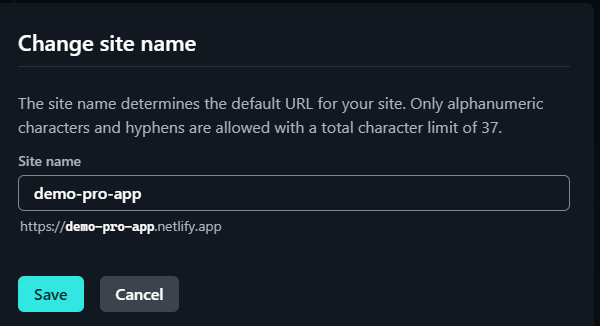
Step 17. Now you can see the customized URL.