

In this document we will guide you how you can test your dedicated multiplayer server locally. Follow the guide below.
Step 1. Create a Shorcut file of server.exe file
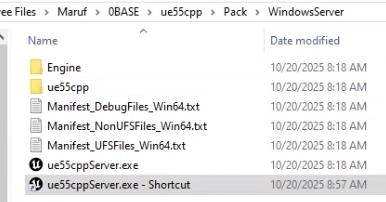
Step 2. In the Target field go to end of existing line and hit a space from your keyboard. Then paste the command line from below and click ok.
-log
Step 3. Double click on the shortcut of the exe file to open it.
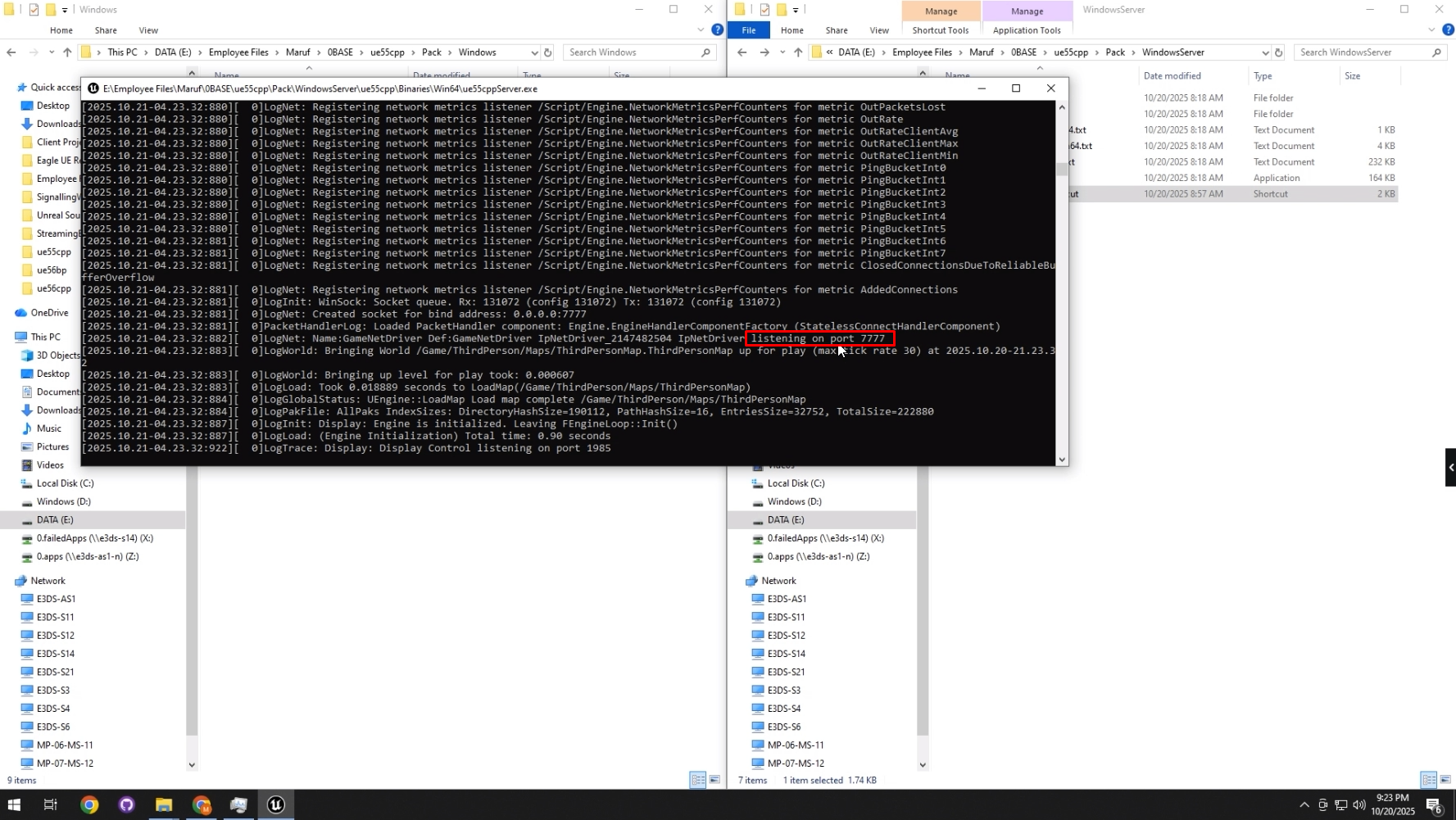
Step 4. Check the listening port number in the log
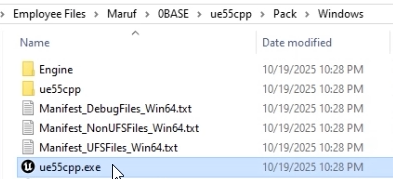
Step 5. Launch the game app
Run the game.exe file (not server, server is already running)
Step 6. Press backtick(just below the Esc (Escape) key and above the Tab key.)
type “open 127.0.0.1:port number” . In my case port number is 7777
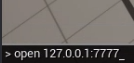
Step 7. Do the same things again like step 6
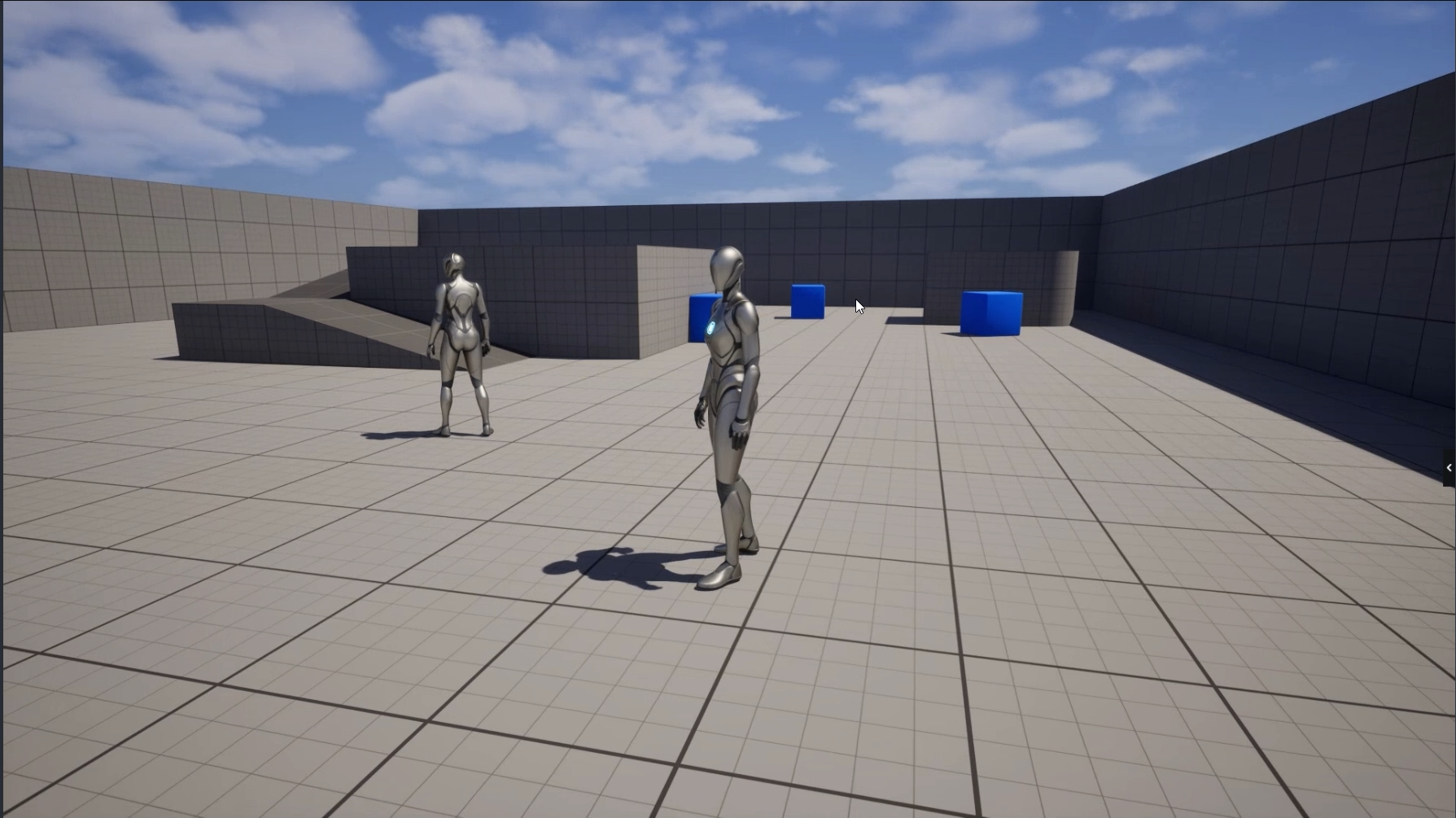
It’ll connect both the player automatically in one map.
Need help?
🛠️ Contact our Support Team
💬 Join the Community on Discord
Follow us on: