

Why Promo Code?
-
To increase the CCU limit to 2 on a trial account.
In this section, we’ll show you how to increase the CCU limit on trial account.
You cannot use the Promo Code while on any paid plan. In that case, you can create a new trial account to use the promo code and increase your CCU limit.
Follow the steps below:
Step 1. Login to Control Panel
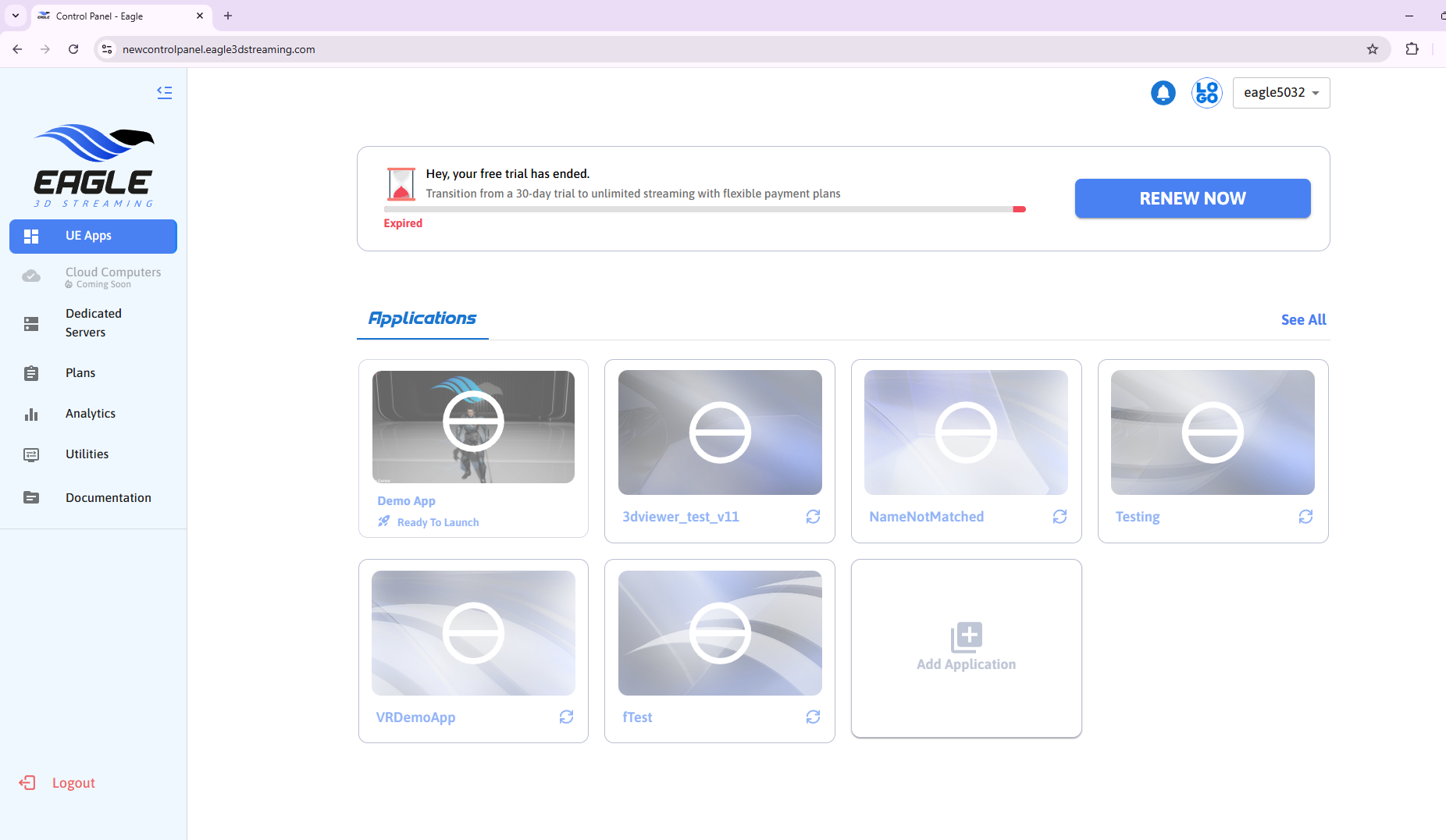
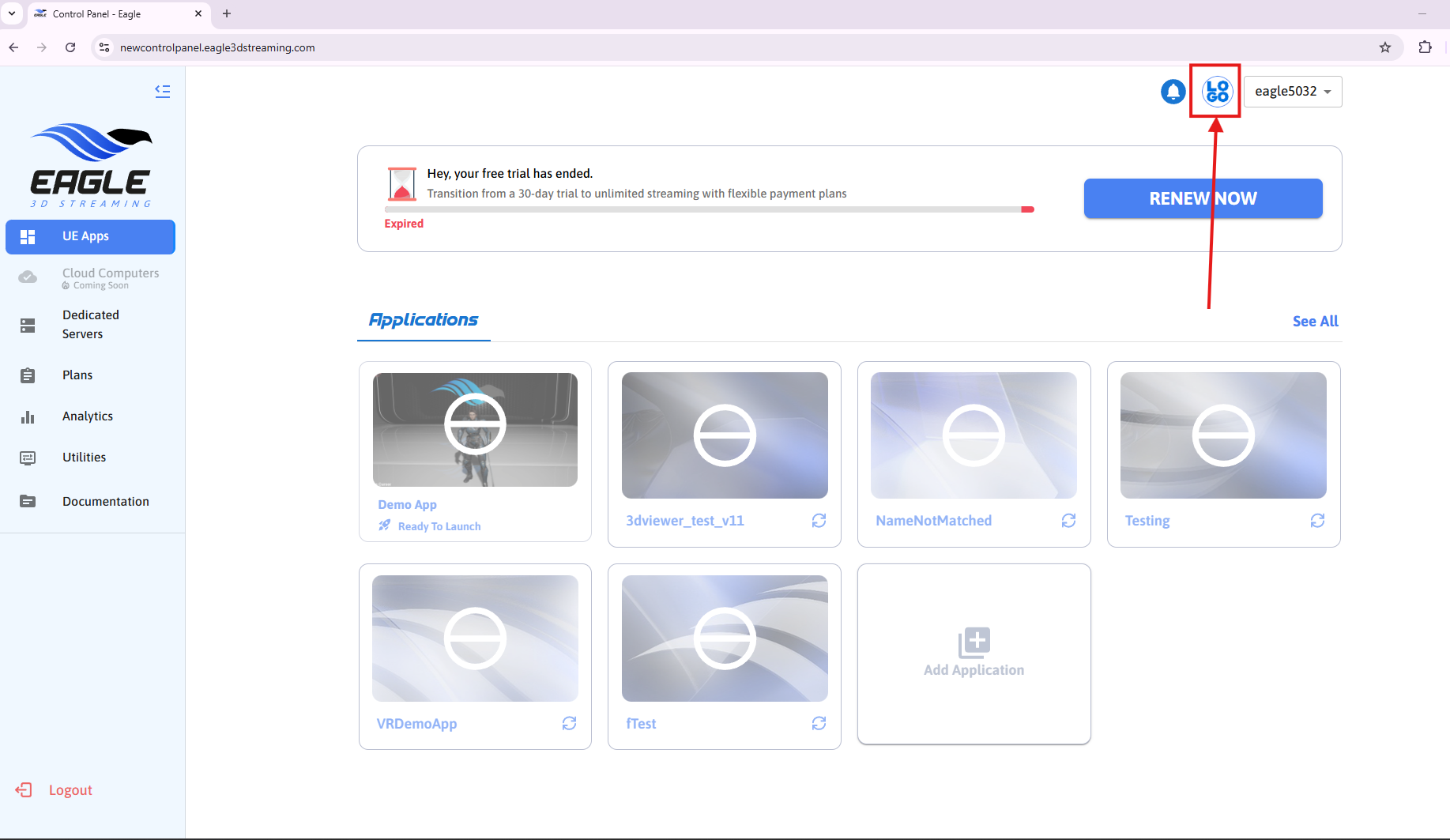
Step 2. Click on Logo icon
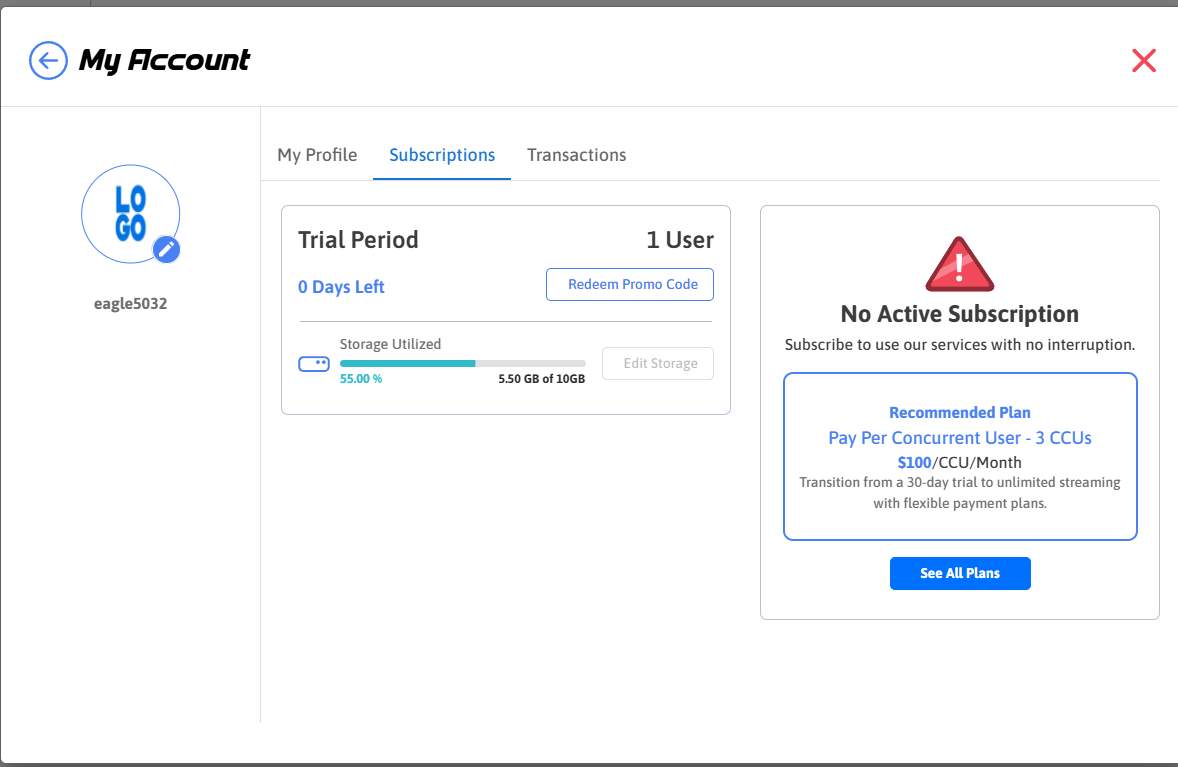
Step 3. Navigate to Subscriptions tab
Your current CCU limit is 1
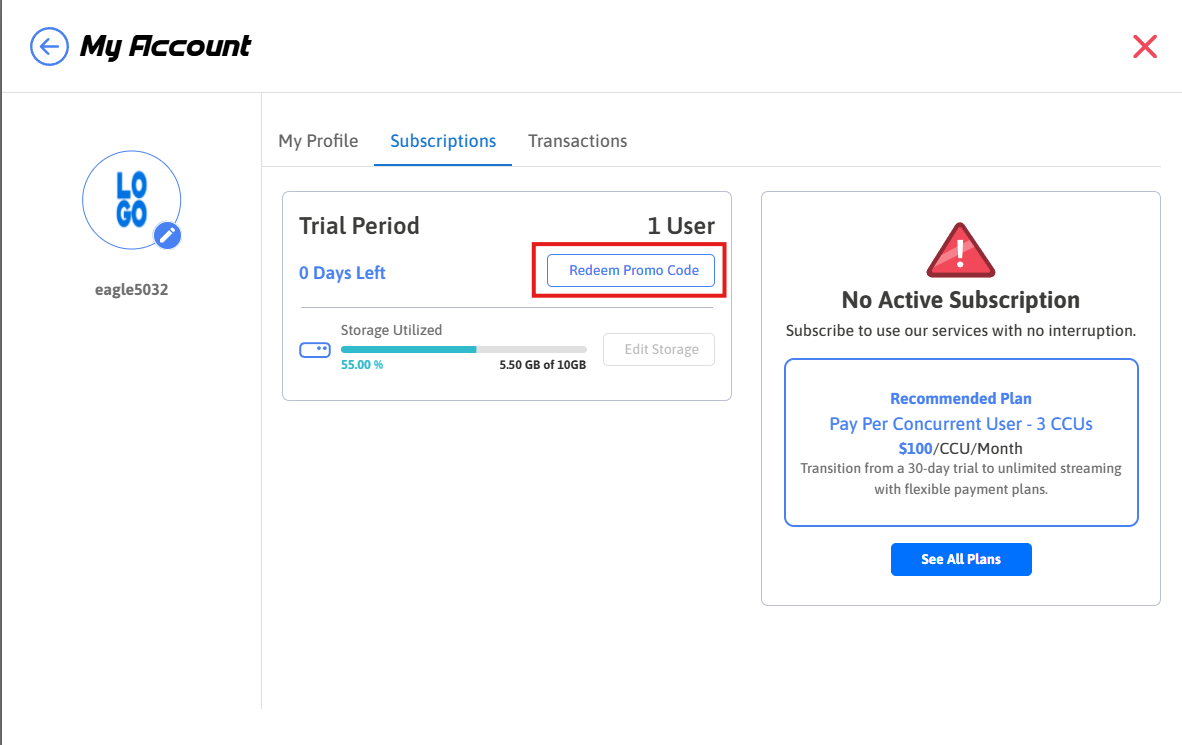
Step 4. Click on Redeem Promo Code button
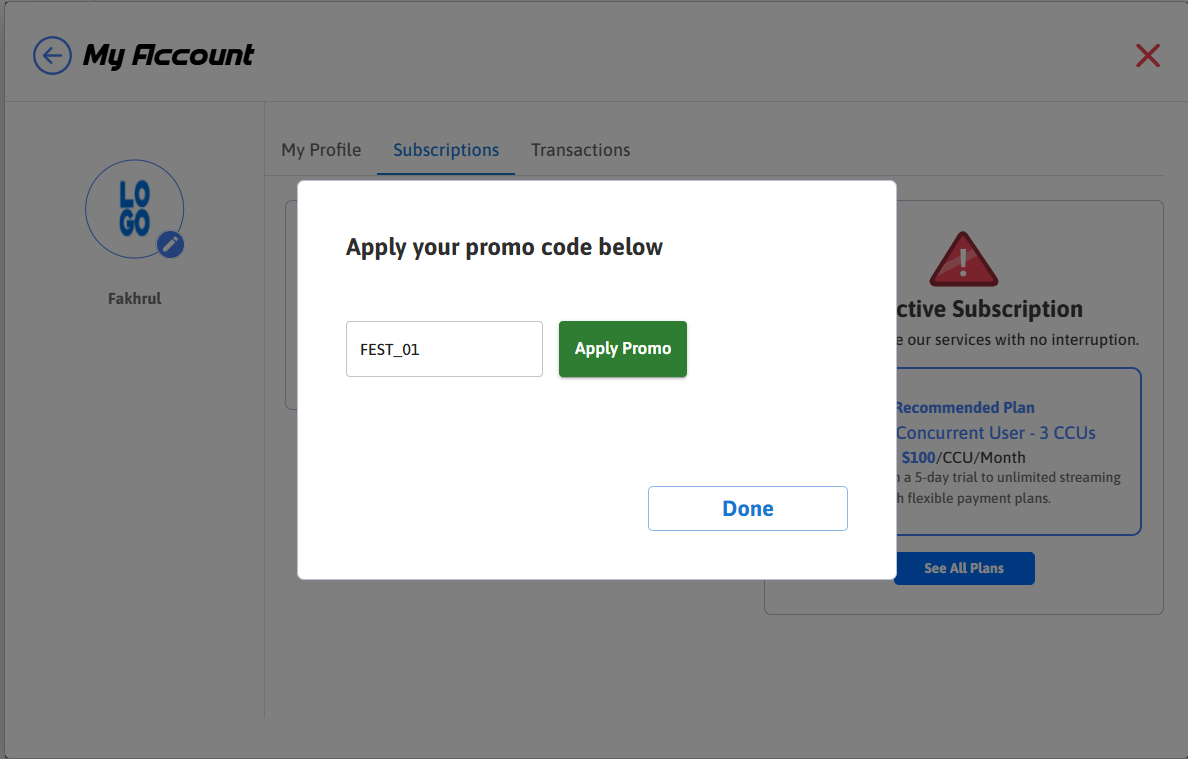
Step 5. Use FEST_01 as Promo Code and click on Apply Promo button
FEST_01
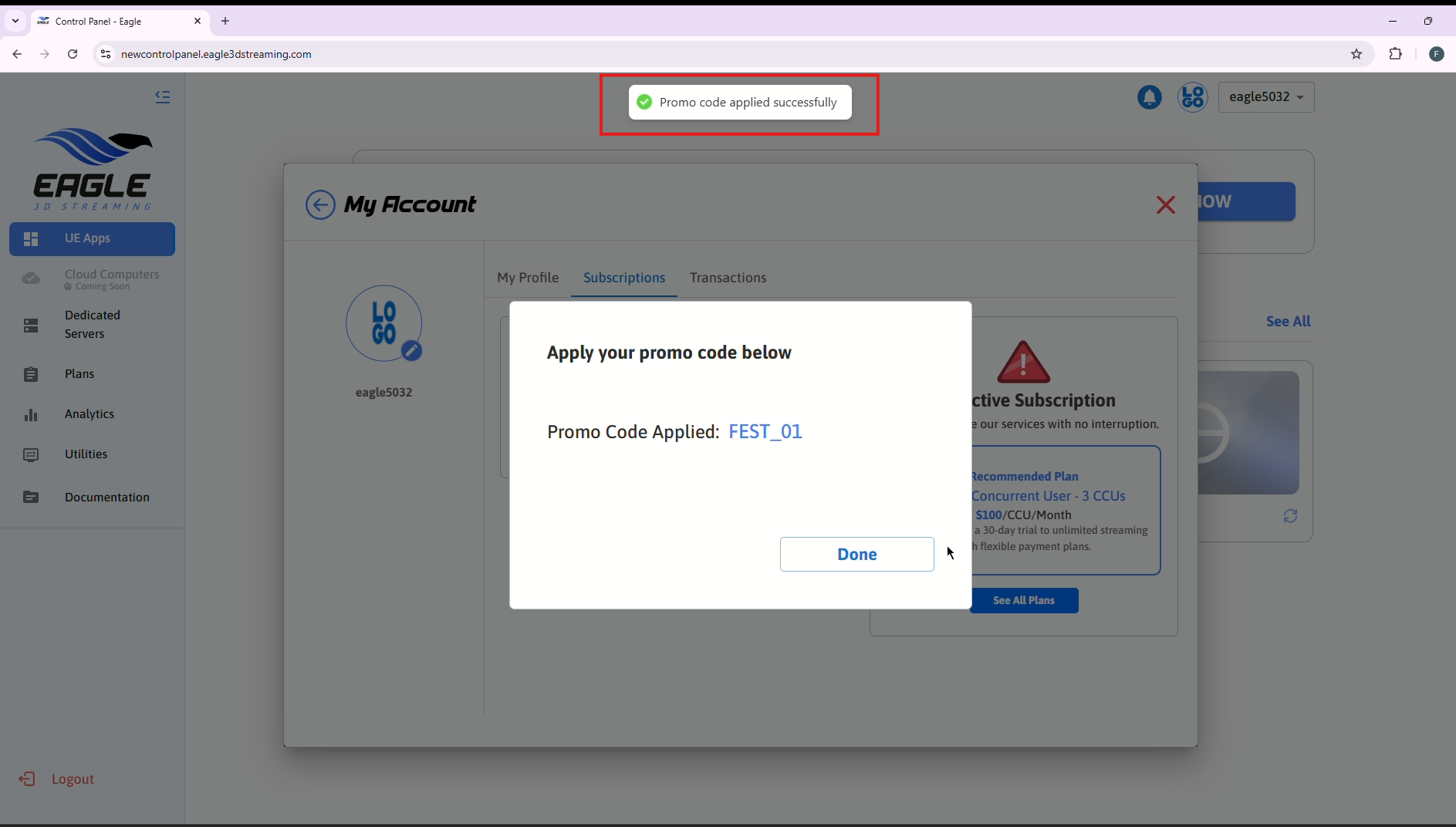
Step 6. You will see a success alert stating, "Promo code applied successfully."
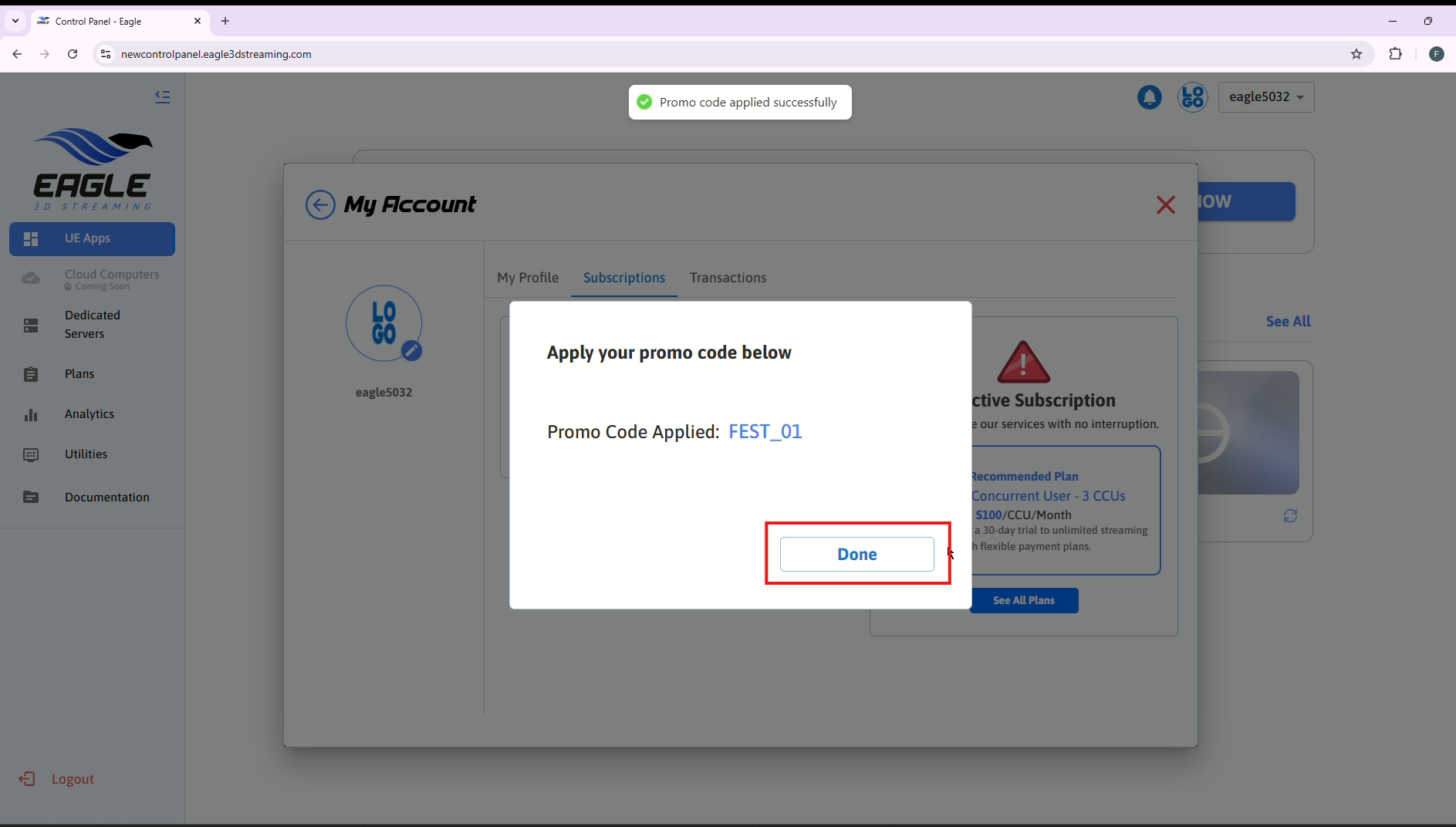
Step 7. Click on Done button
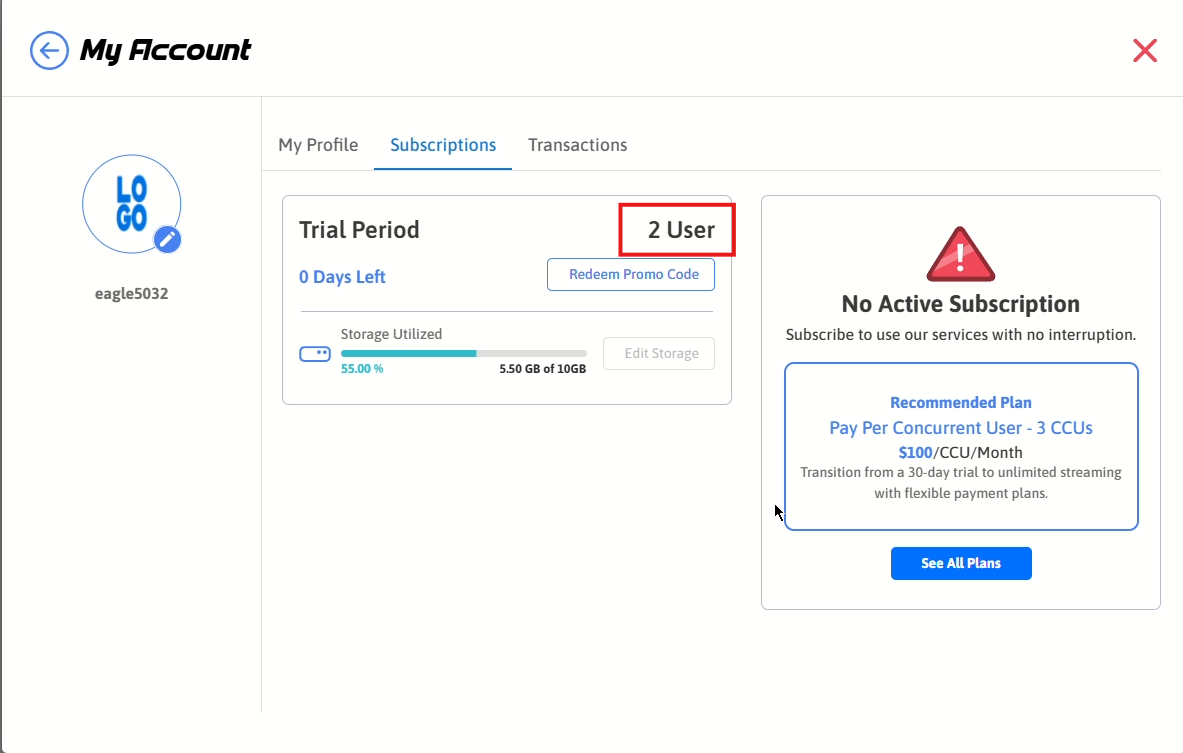
Step 8. Now you can see that your CCU limit has increased to 2.
Need help?
If you need any assistance, feel free to reach out through any of the following channels:
🛠️ Support Portal: Contact Our Support Team
💬 Discord Community (Faster Support): Join Our Discord Community
📧 Email Support: support@eagle3dstreaming.com
Follow us on:
Facebook | GitHub | LinkedIn | YouTube