

This guide explains how a host can pre-assign participant names by adding a parameter in the guest URL. When guests join using this link, their username will automatically be set, eliminating the need for manual input.
Video Preview
Follow the steps below:
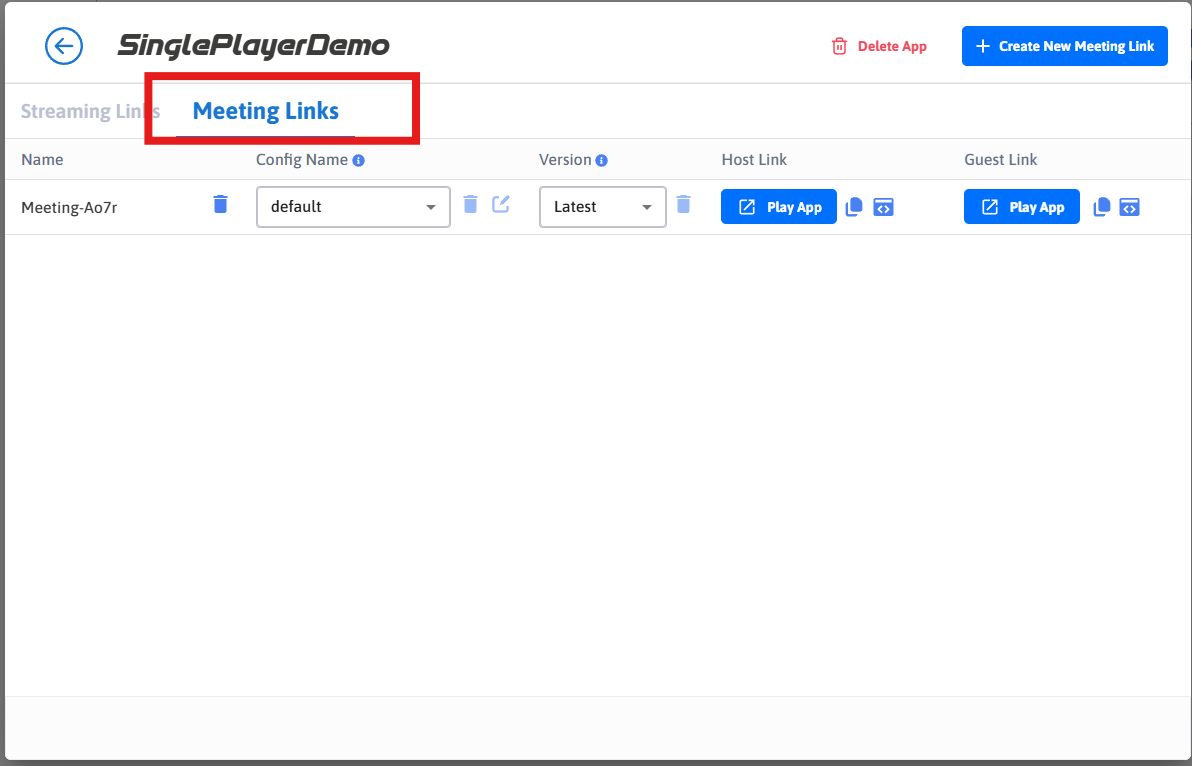
Step 1. Create a Meeting Link
Refer to the following guide: Create Meeting
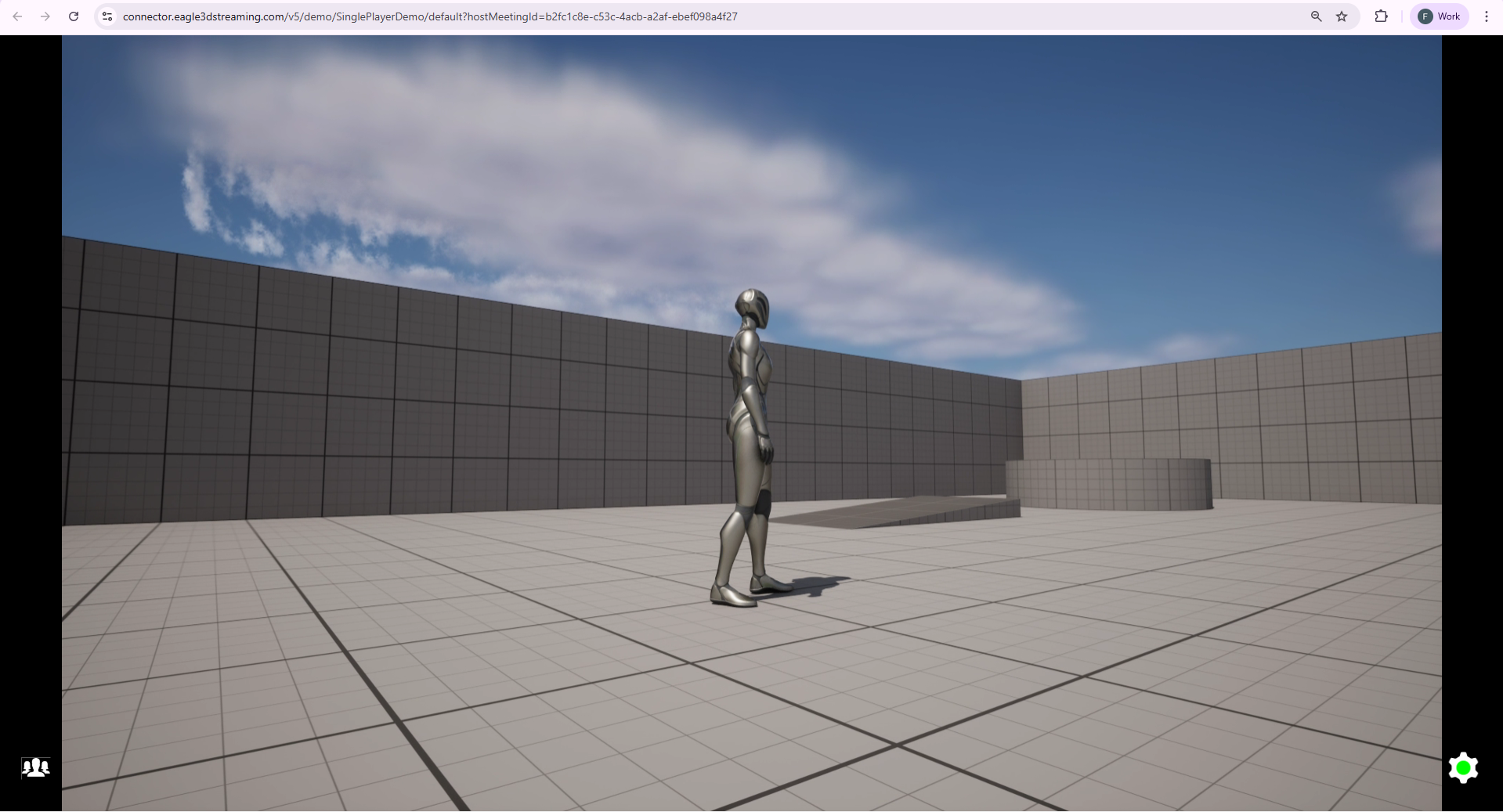
Step 2. Join As Host
Step 3. Add guestName Parameter to the Guest URL
Append the guestName parameter to the guest URL. The syntax is:
&guestName=ParticipantName
Example:
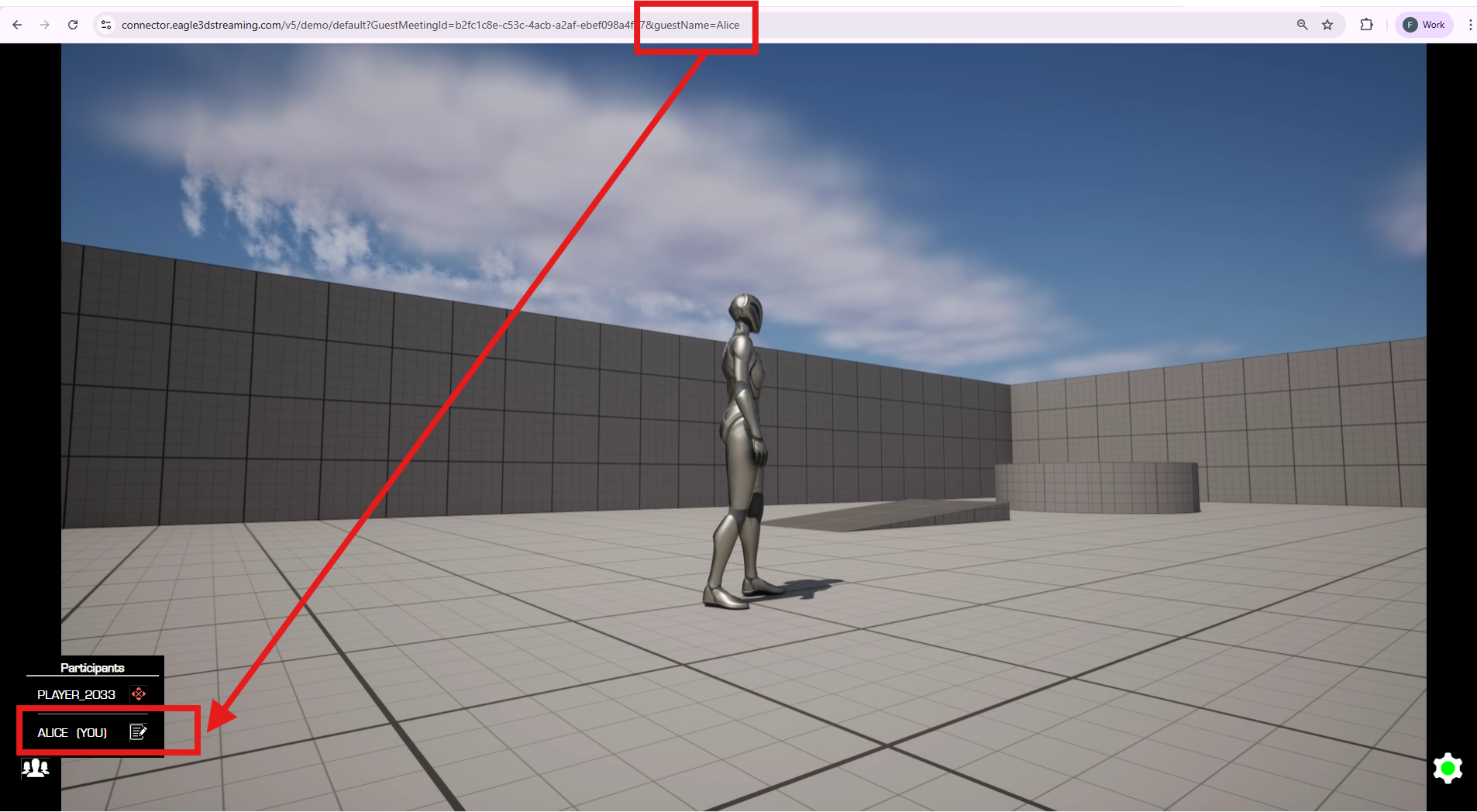
https://connector.eagle3dstreaming.com/v5/demo/default?GuestMeetingId=123456&guestName=Alice
When the guest clicks this link, their username will automatically be set to Alice
Step 4. Share the Guest Link
Send the modified guest URL to the participants you want to join with a predefined name.
Guests no longer need to manually edit their username, they will join with the name you assigned.
Step 5. Verification
Notes
-
You can create unique links for multiple participants by assigning different
guestNamevalues. -
If a guest manually changes their name after joining, it will override the
guestNameparameter.
Need help?
🛠️ Contact our Support Team
💬 Join the Community on Discord
Follow us on: