

This is the simplest way to embed streaming into your website. With just a little knowledge of frontend development, you can easily use this solution.
Follow the guidelines below to get started with the iFrame-based solution:
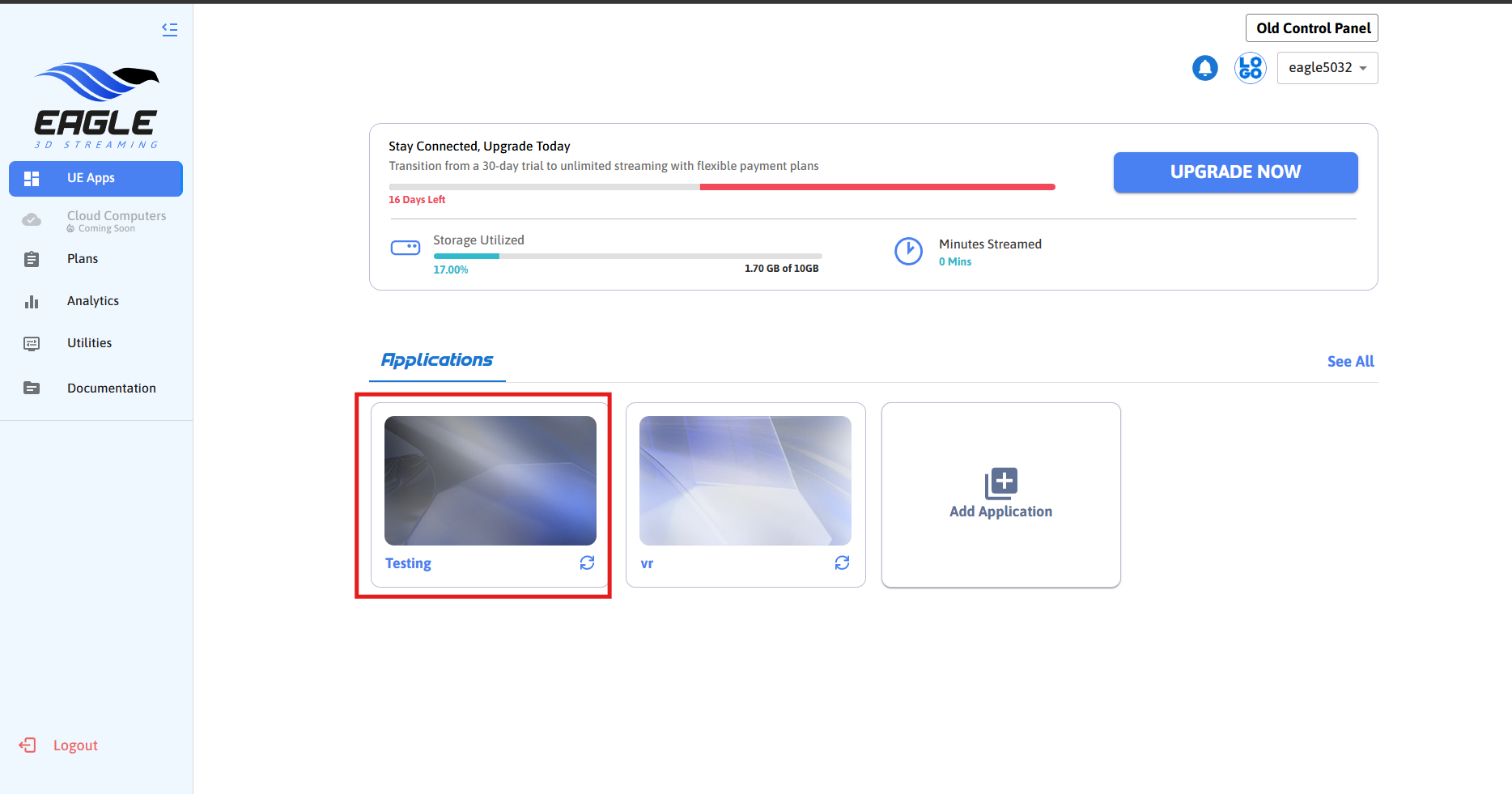
Step 1. Select the app which you want to embed with your webpage.
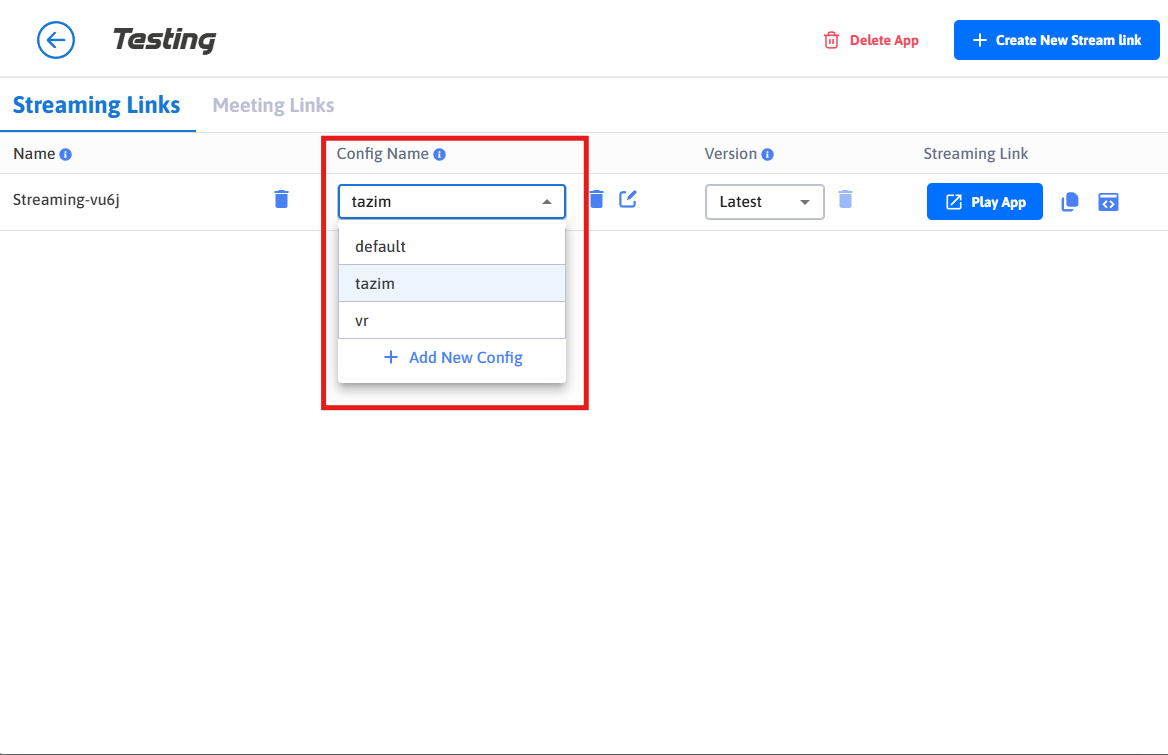
Step 2. Select a config.
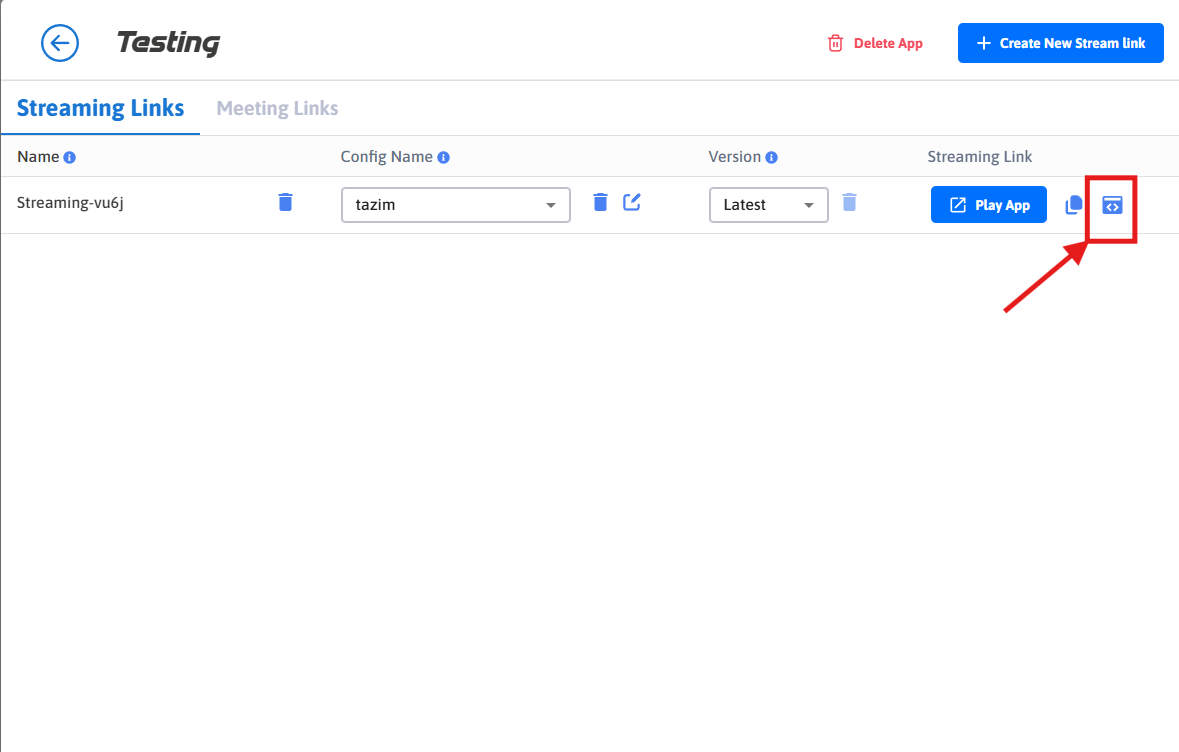
Step 3. Copy Streaming iFrame Script.
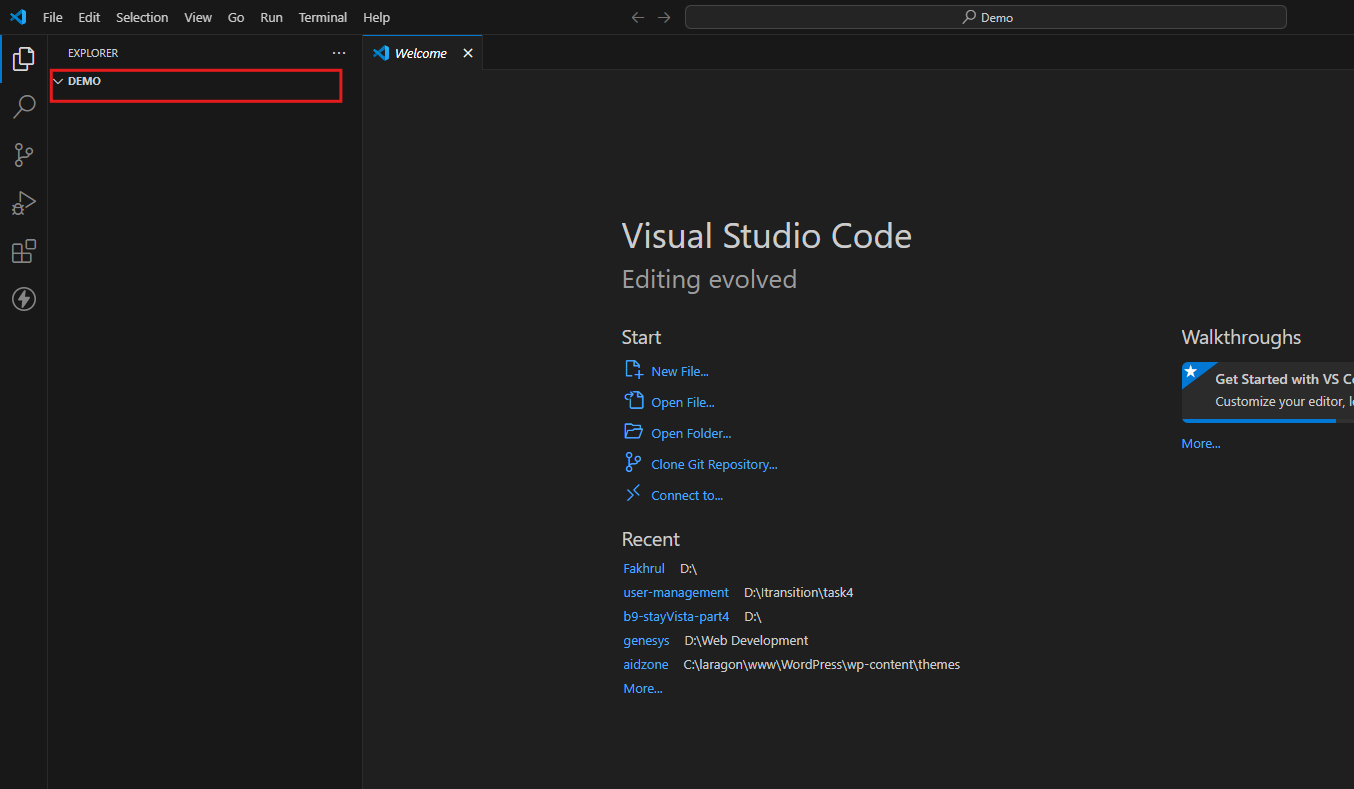
Step 4. Now open any html editor and create a folder.
Step 5. Create “index.html” file inside the folder.
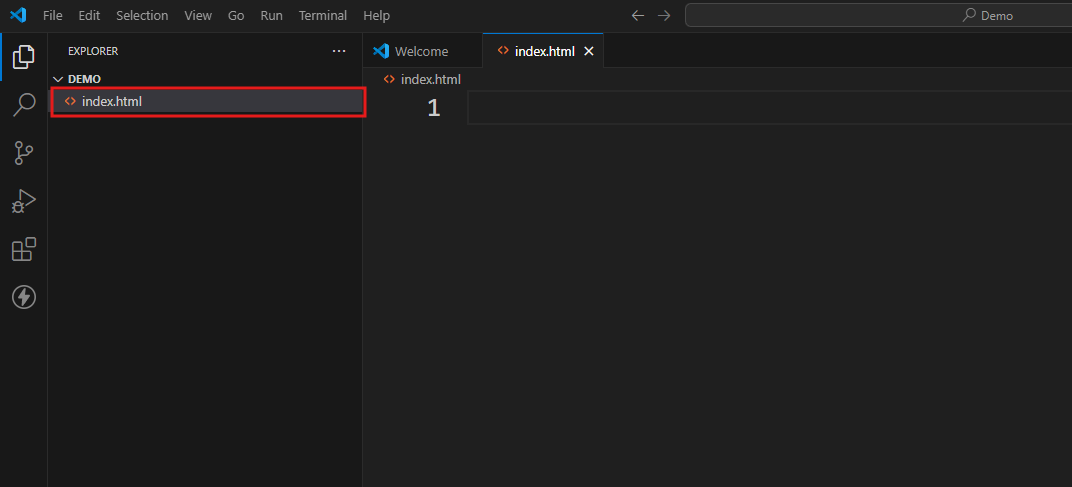
Step 6. Copy the code below and paste it inside index.html.
<html>
    <head>
        <title>Demo</title>
    </head>

    <body>
        <div>
           //paste the copied iFrame Script here
        </div>
    </body>
</html>
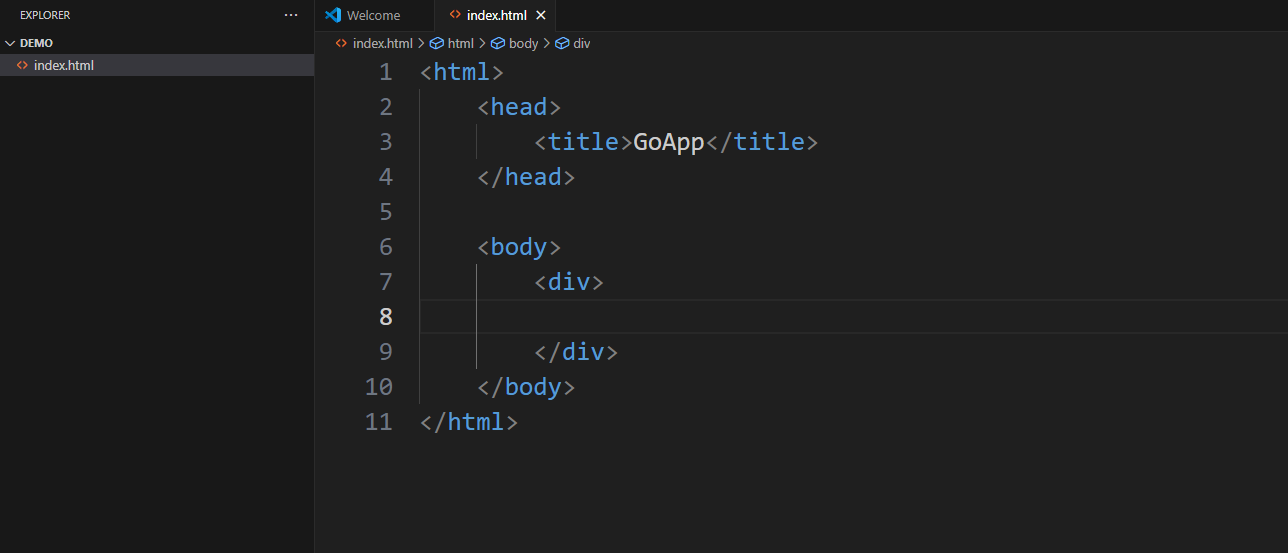
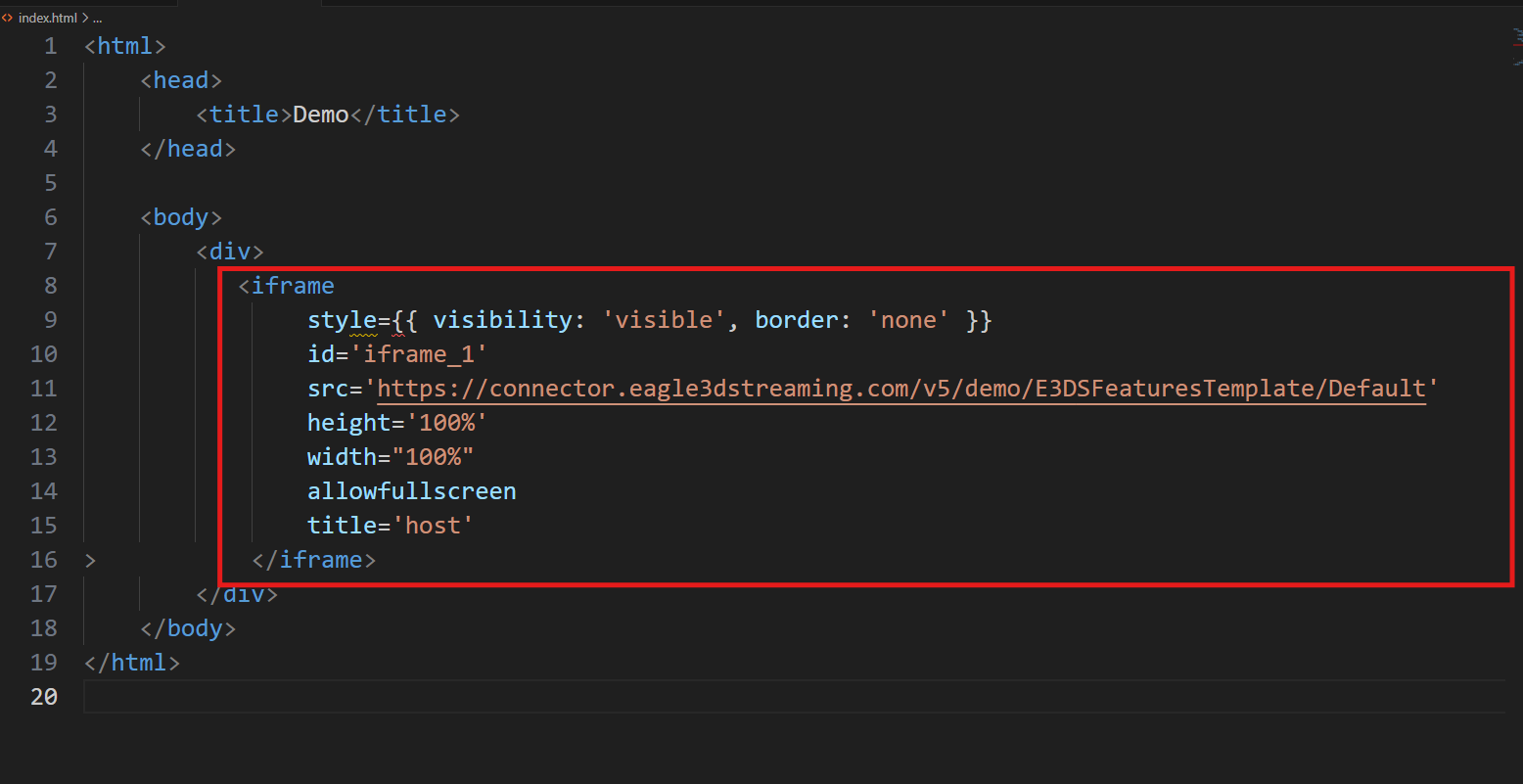
Step 7. Now paste the copied iFrame script inside the <div> below.
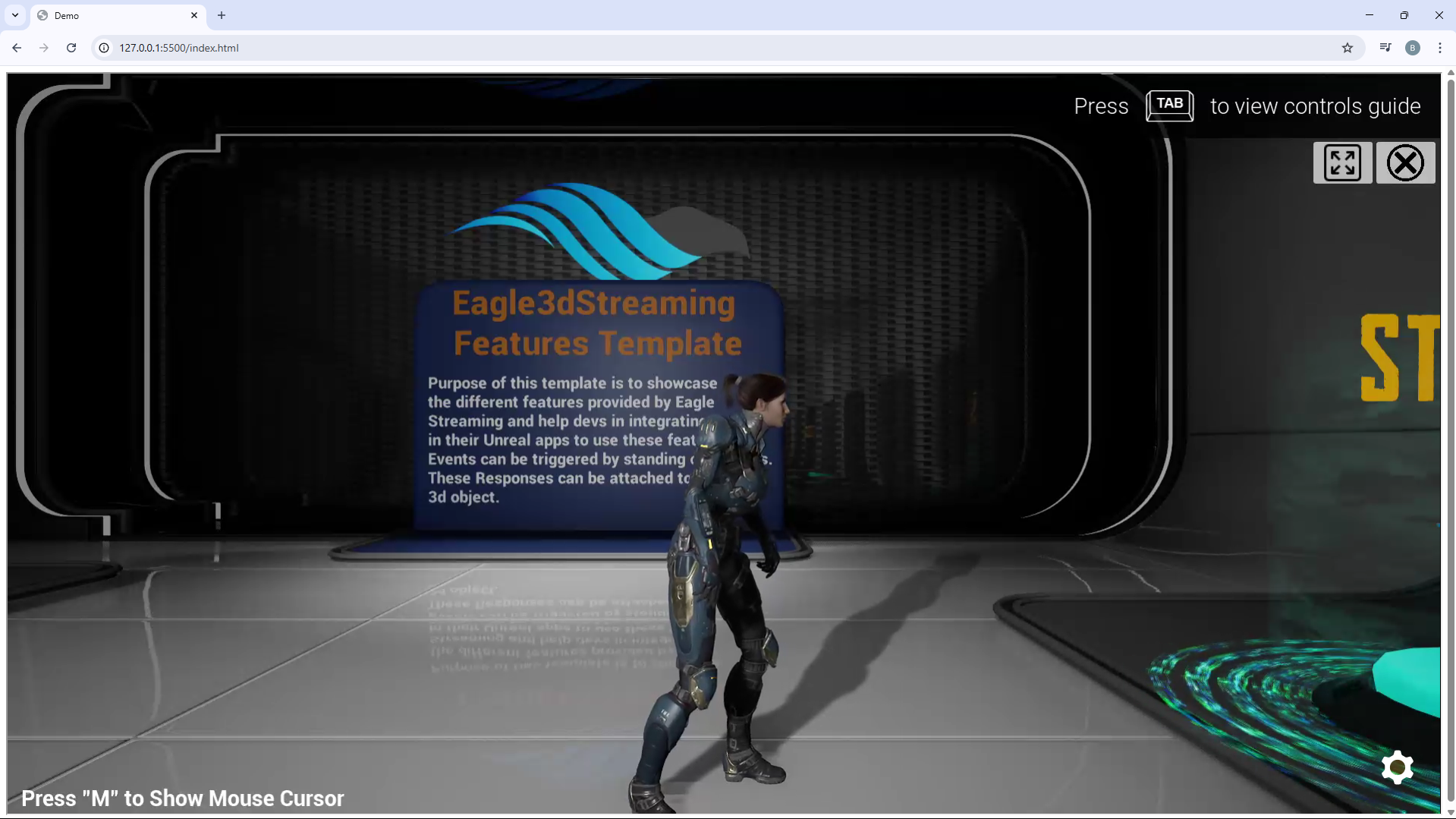
Step 8. Run the HTML page locally
Now you can deploy it.
Need help?
🛠️ Contact our Support Team
💬 Join the Community on Discord
Follow us on: