

Source: https://github.com/e3ds/full-html-control/tree/html/insecure
Demo: Demo streaming url will be added
In this document, we will guide you on how to embed your Eagle 3D Streaming app directly into your webpage without using an iframe script.
Follow the steps below:
Step 1. Clone the Repository
Run the following command to clone the project:
git clone --branch html/insecure --single-branch https://github.com/e3ds/full-html-control.git
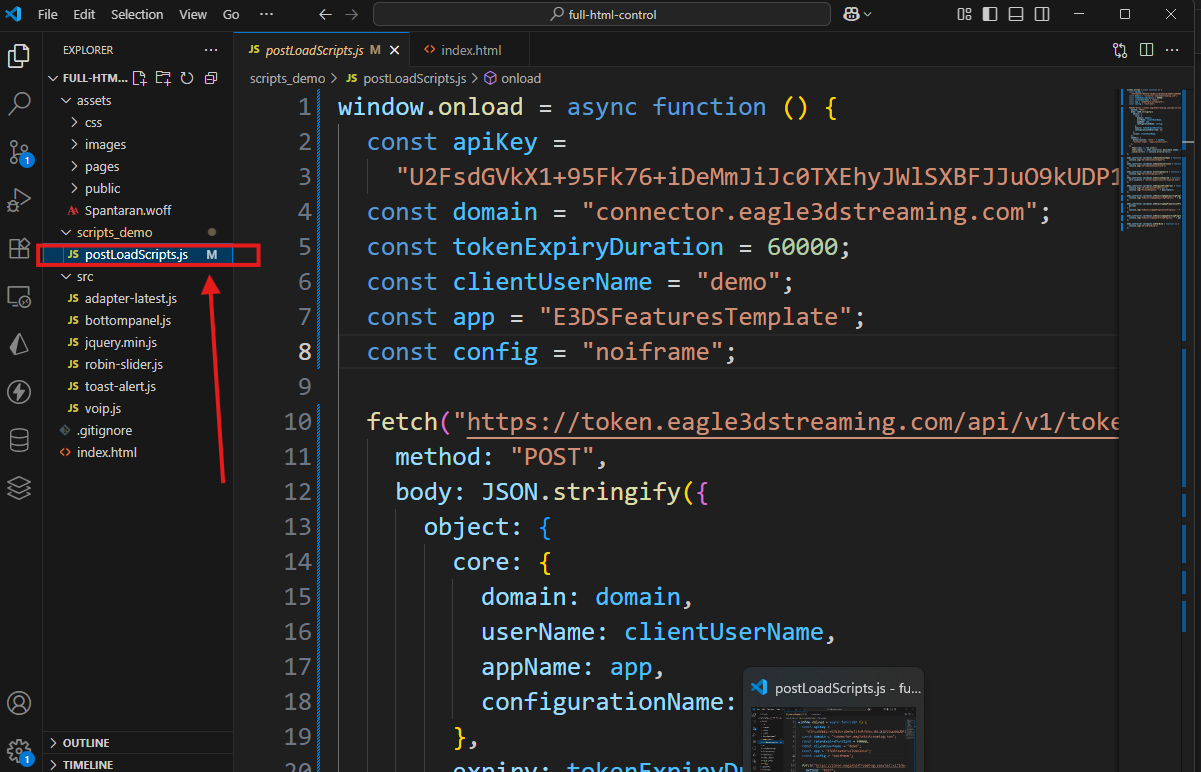
Step 2. Navigate to PostLoadScript.js file
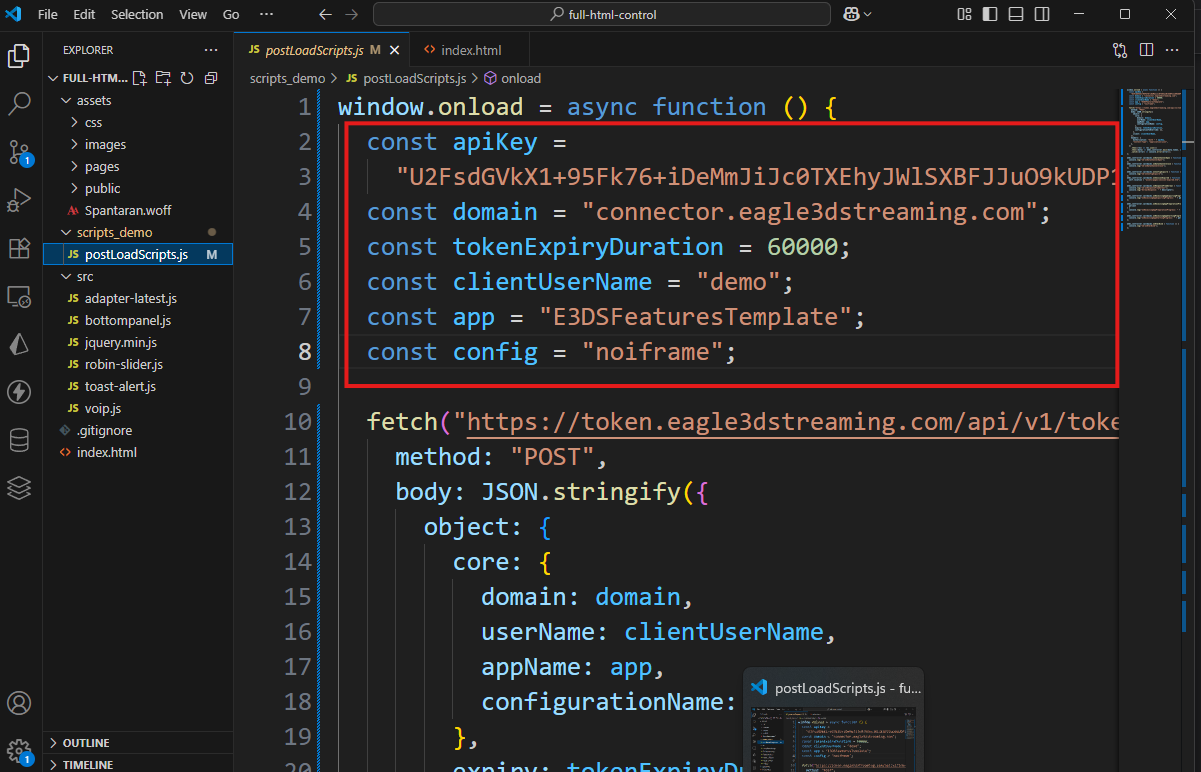
Step 3. Provide Required Data
-
apiKey: Your Streaming API Key - Get Streaming API Key
-
domain: If you are using production system then domain would be “connector.eagle3dstreaming.com“. If you are provided with a dedicated system, then domain would be the domain of that dedicated system.
-
clientUserName: Your username on the Eagle 3D Streaming Platform
-
appName: The name of the app you want to embed into your website (as listed on the Eagle 3D Streaming Platform)
-
configurationName: The name of the configuration you want to use for the app
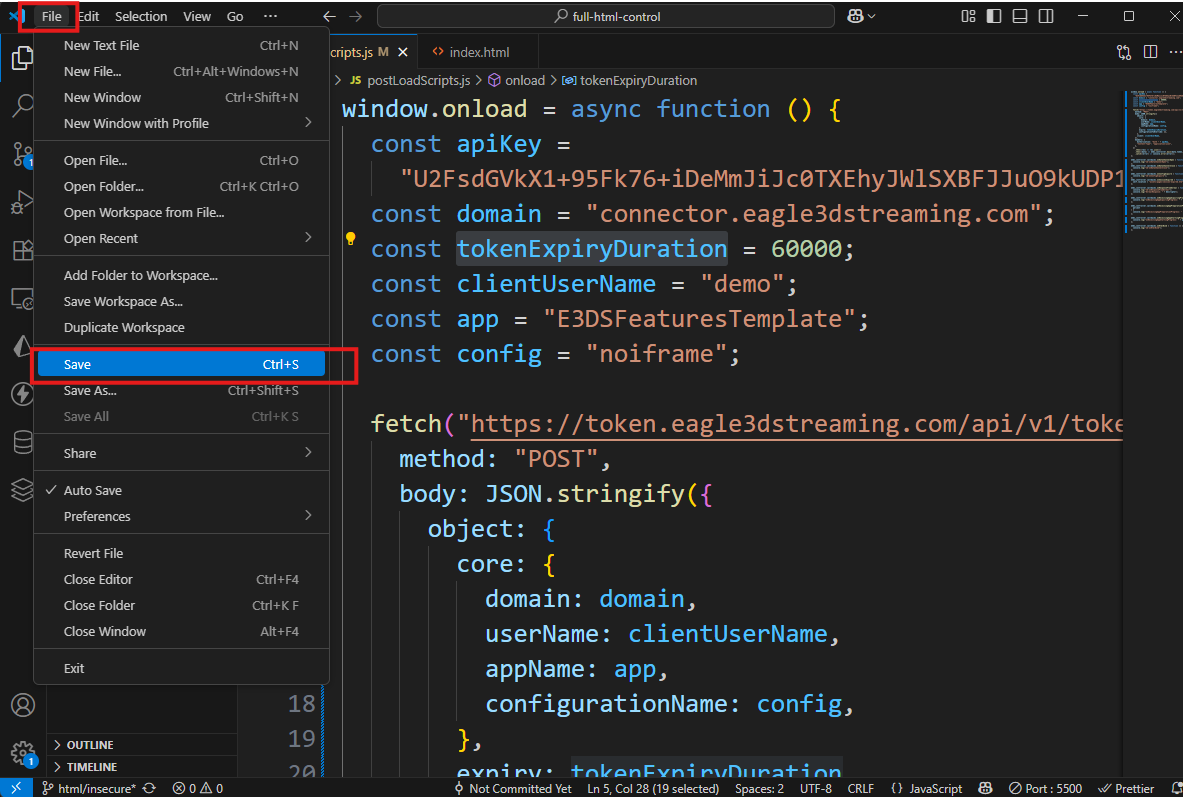
Step 4. Save the changes
-
File > Save
-
or simply press Ctrl + S
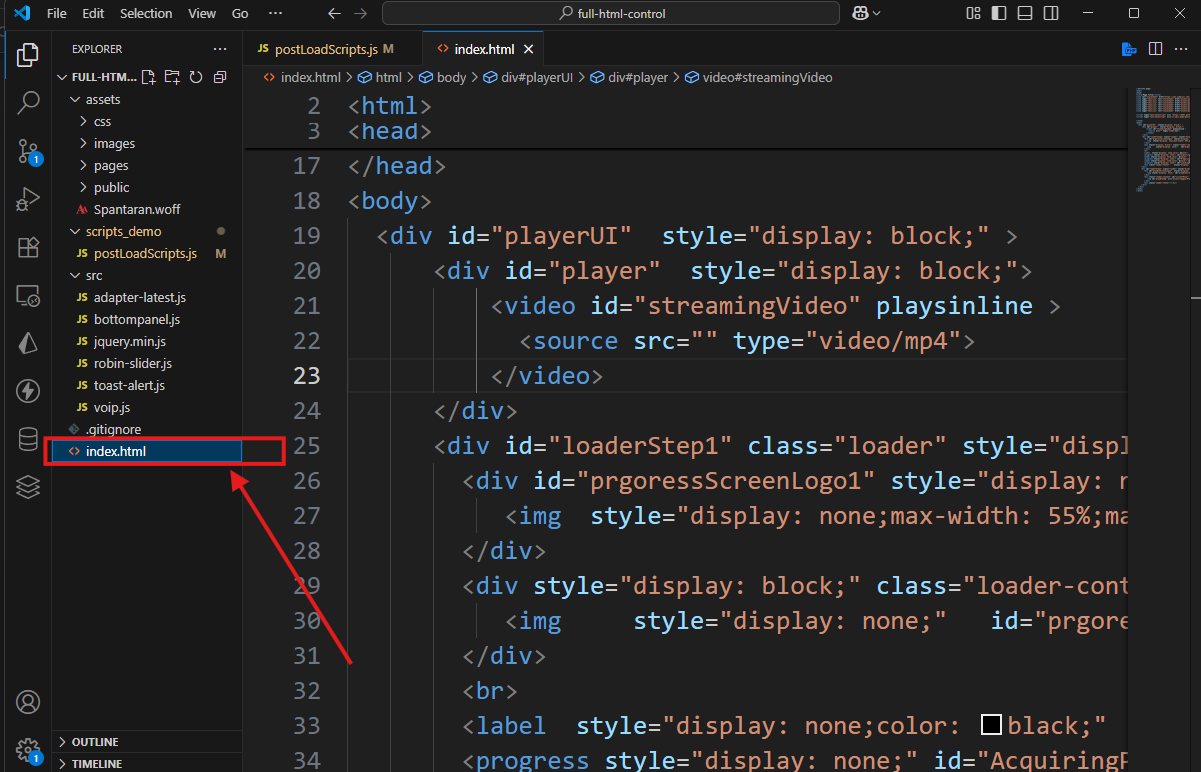
Step 5. Open index.html
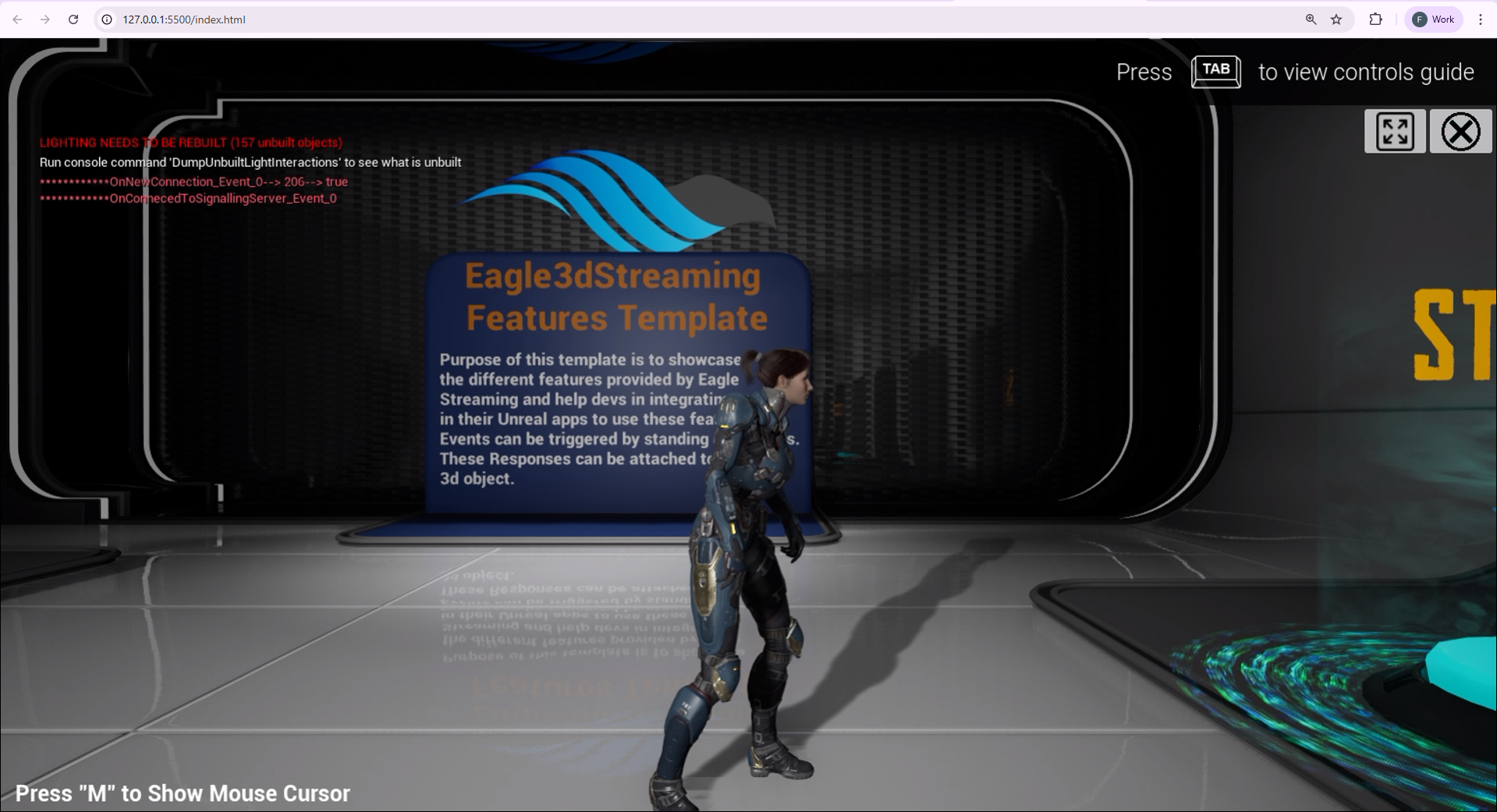
Step 6. Run and Test the Project Locally
Use any local web server to run the project
To learn how to communicate between your Unreal Engine app and the webpage, please refer to the documentation here:
Communication between Unreal Engine App and Webpage
Need help?
🛠️ Contact our Support Team
💬 Join the Community on Discord
Follow us on:
Facebook | GitHub | LinkedIn | YouTube